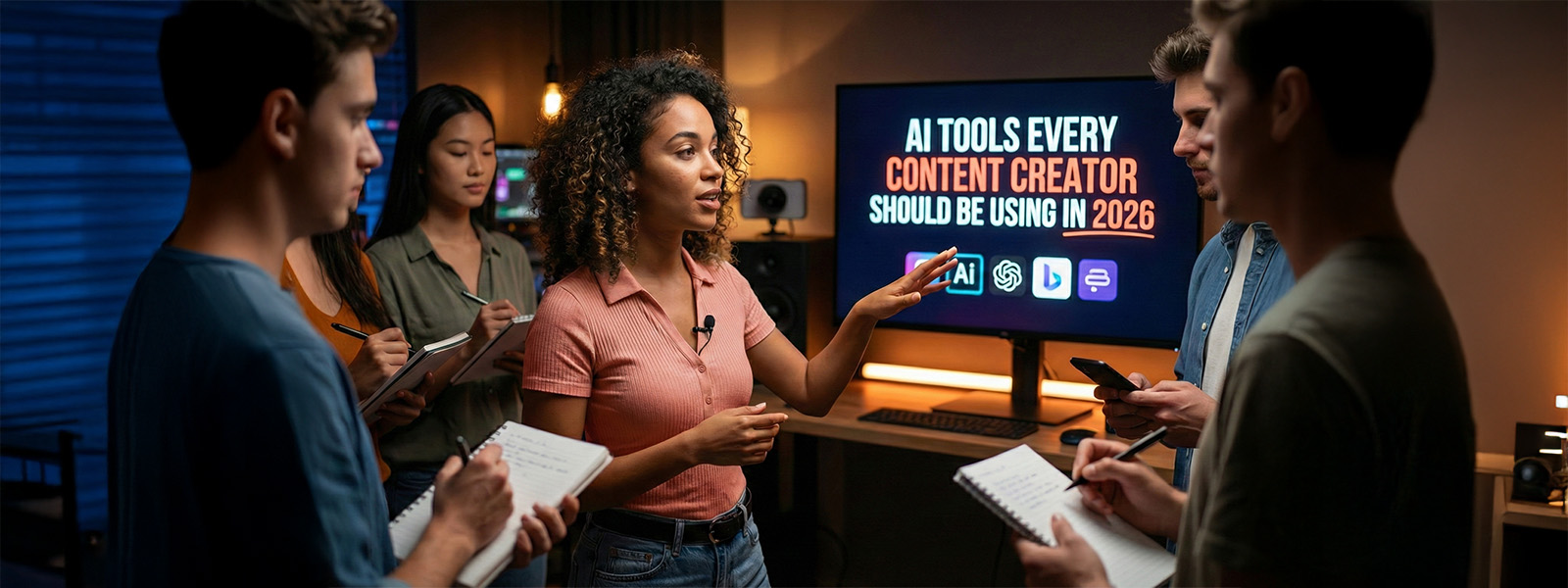
What if creating content could get better, faster and smarter without doubling any effort? AI-powered workflows give creators more room to think, build and scale. In a scenario where viewers expect speed and quality, having the best AI tools for content creators is essential.
These technologies simplify planning, automate repetitive tasks and amplify creativity across every format. From generating drafts to editing videos, AI now heavily shapes how creators work every day.
Many of the AI tools for content creation available in 2026 offer dynamic personalization, predictive insights and seamless collaboration features that can save hours.
No matter whether you are a solo creator or a part of a growing team, the right stack can redefine your efficiency. With the evolution of platforms, staying updated with the best AI tools becomes the key to staying competitive. The following blog explores the essential ones every creator should adopt immediately.
ChatGPT
ChatGPT has become one of the most essential companies in a creator’s toolkit. It offers quick content generation, idea development and workflow acceleration. A lot of creators use it to break their creative blocks, refine messaging and organise long-form pieces of content with ease.
From writing scripts to emails, captions, brand decks and more, ChatGPT delivers content with clarity and speed. It also supports strategic tasks like campaign planning, content calendars, audience research and overall tone optimization.
This makes it highly effective, in fact, invaluable for creators who manage multiple platforms and tight deadlines. With advanced reasoning and personalization, it adapts to your style while enhancing your creativity.
Use cases:
Key features:
Best for:
Notion AI
Ishan Sharma, under his “Notion: 0 to 85,000 CRORE Business in 10 YEARS!” video described, “I've been using Notion since the beginning of my YouTube journey, and it has helped me a lot in being productive, efficiently managing my tasks, and organizing stuff.”
This tells how Notion seamlessly streamlines organisation, planning and content systemization for creators who manage multiple projects. It helps in generating drafts, summarizing research, automating administrative tasks and maintaining structured workflows within a single dashboard.
The AI tool enhances productivity by reducing manual effort and improving clarity.
Use cases:
Key features:
Best for:
Canva
Canva even after several years of its launch, remains a must-have for creators who want fast, professional and clean visuals without relying on a design expert. With AI-powered templates, design suggestions and instant resizing tools, it enables creators to build graphics for every platform.
From designing thumbnails to brand kits, Canva speeds up the process with intuitive drag-and-drop features. Its AI Magic Studio enhances creativity further by offering image generation, background removal and automated layout recommendations.
This makes it perfect for creators who want consistent branding with minimal effort. Additionally, Canva also supports collaboration which makes it ideal for teams or agencies who produce large amounts of visual content.
Use cases:
Key features:
Best for:
Descript
In her “How To Edit Videos For Youtube as Beginner in 2025 (STEP-BY-STEP)” video, Vanessa Lau explains, “Whether you are a creator or a business owner, what I’m about to share with you will not only save hundreds of, thousands of dollars per month spent on editing fees, but also hundreds of hours that you’re going to get back to actually film more videos to grow your channel” and goes ahead to share the tool for it as Descript.
The tool simplifies audio and video editing through AI-powered transcription and text-based editing. Creators can edit videos the same way they edit text, remove filler words, mistakes and pauses instantly through Descript. This is what makes their post-production dramatically faster and more precise.
Use cases:
Key features:
Best for:
Runway ML
Runway ML provides cutting-edge AI video tools for the creators who want to generate visuals, edit footages and apply cinematic effects seamlessly. It handles complex tasks like rotoscoping, motion tracking and AI video generation with simple interfaces. This makes high-quality production easily accessible even without technical skills.
Use cases:
Key features:
Best for:
Typecast
Typecast is a game-changing tool as it produces realistic AI voiceovers which eliminates the need of recording setups or studio sessions. It offers a wide selection of tones, emotions and character voices that sound natural and expressive. This saves creators time while ensuring scalable audio production for different formats.
Use cases:
Key features:
Best for:
Surfer SEO
Surfer SEO supports creators by optimizing content for search visibility using AI-driven guidelines, keyword clusters and competitive insights. It streamlines writing by integrating SEO suggestions directly into your drafts. This ensures every piece ranks better and reaches the right audience.
Use cases:
Key features:
Best for:
Conclusion
The creator landscape in 2026 rewards speed, strategy and creativity which is not easy to achieve or manage altogether. However, AI tools make all of the three aims possible. From planning and writing to designing and editing, the right AI tools eliminate friction and elevate output quality.
Adopting such AI platforms helps in staying consistent, improving productivity and delivering standout content across formats for creators. From a beginner to a seasoned professional, integrating effective AI tools can make anyone standout in a rapidly advancing and competitive digital world. The future belongs to the creators who build smarter, not harder.