Organised Campaign Phases
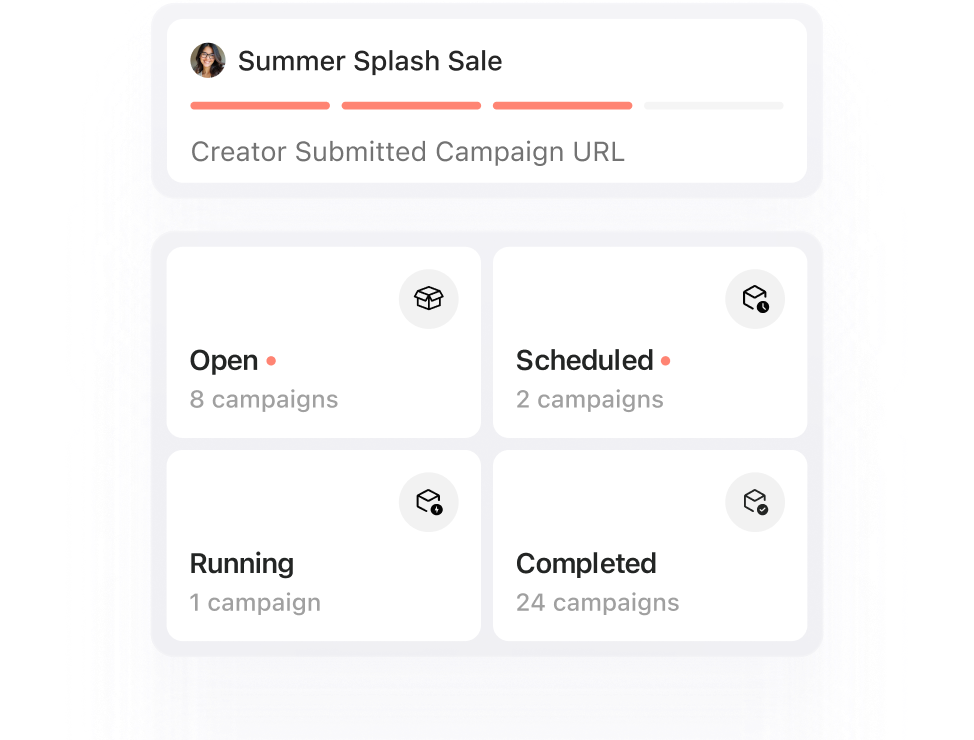
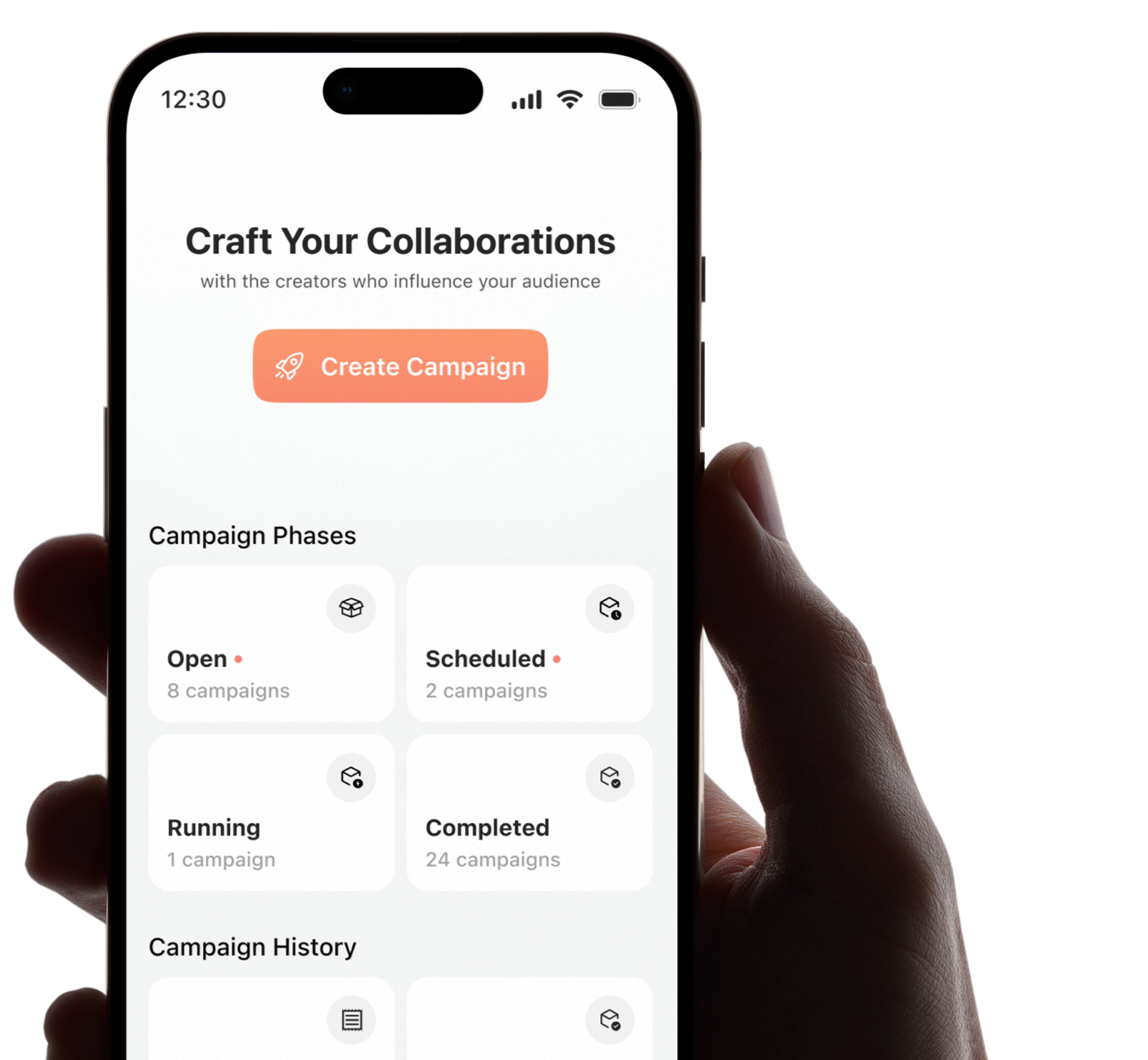
View campaigns by phases and quickly find what's active, pending or completed.
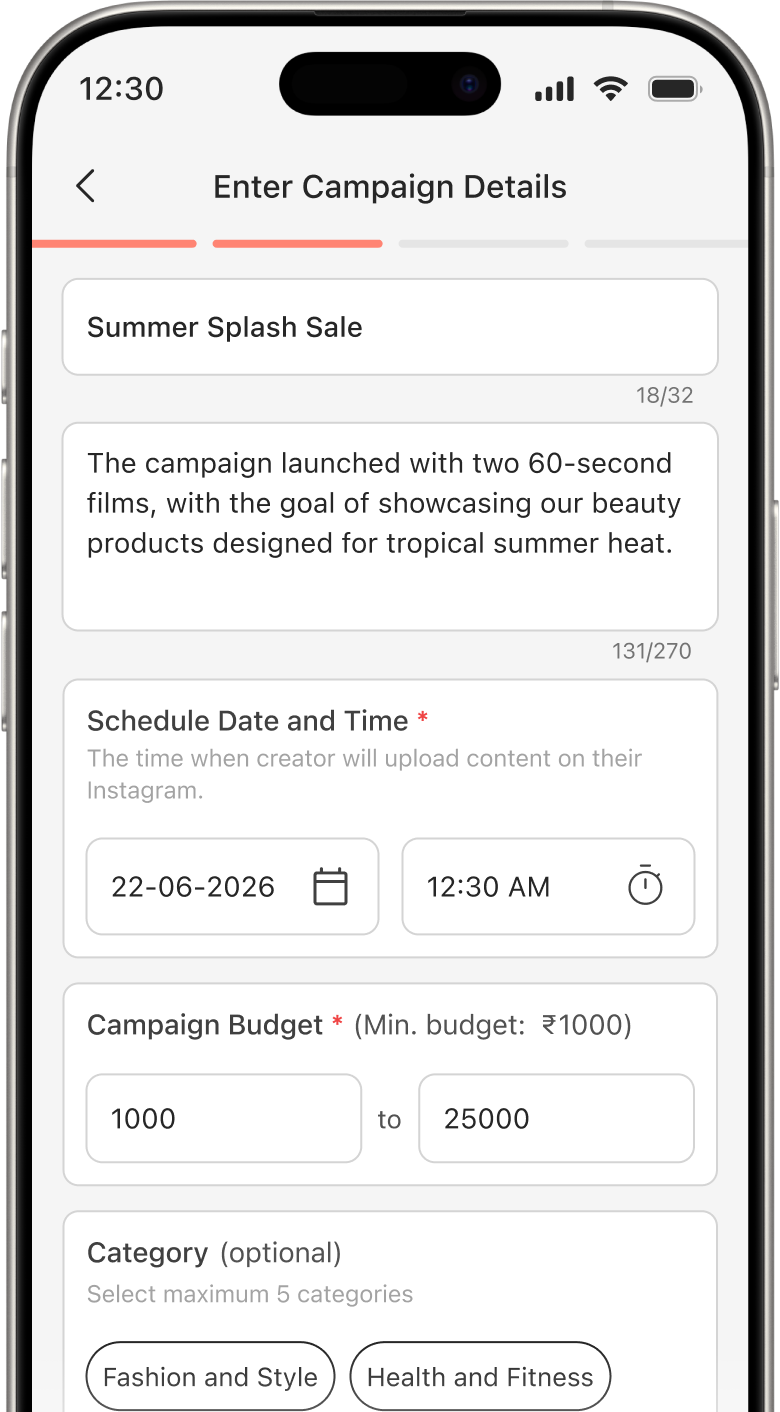
Create campaigns with clear goals, deliverables, expectations and budgets, then invite creators who align with your brand.
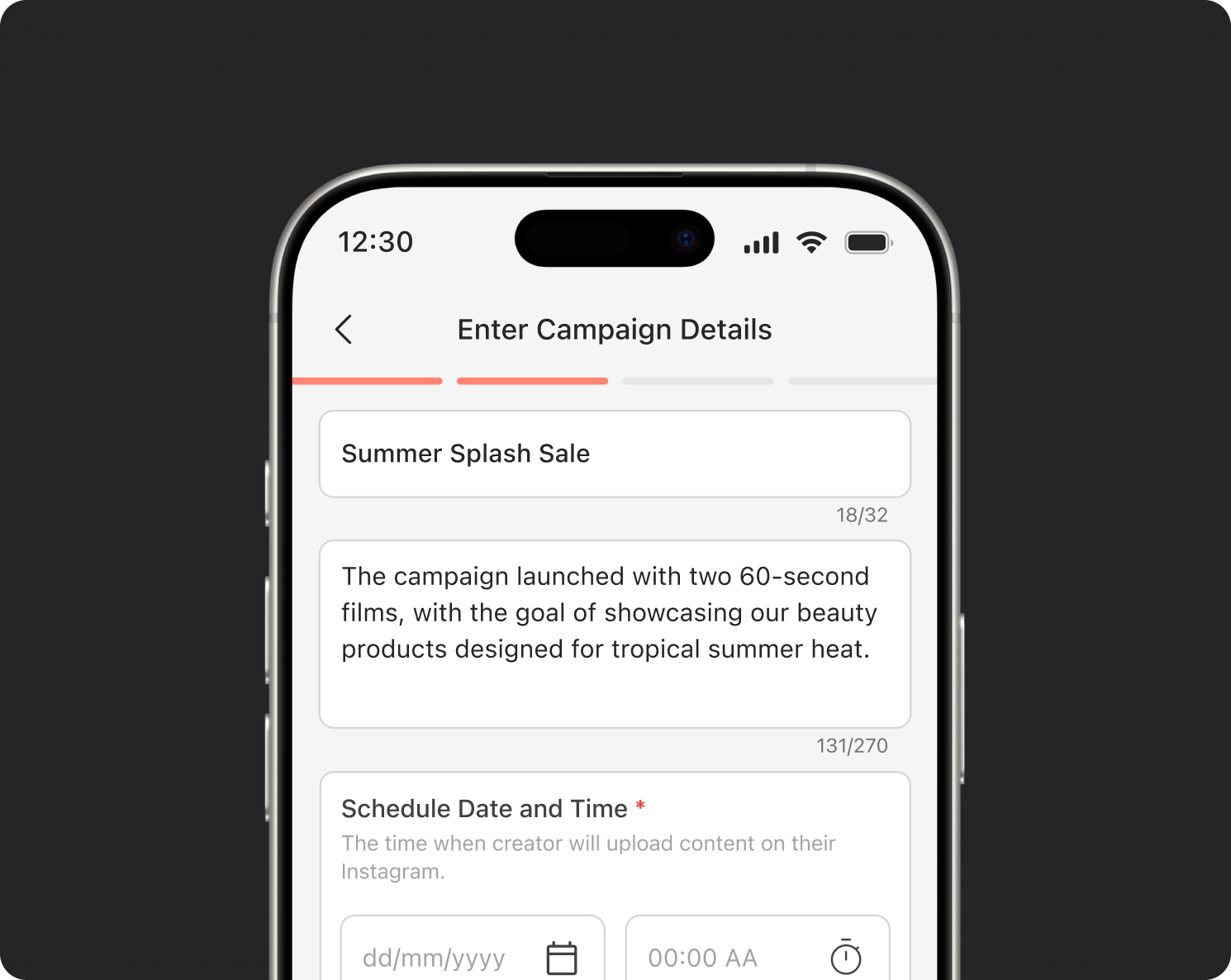
Clearly outline all campaign requirements, content expectations, deliverables, and budgets, including details from previous campaigns, in a single, organised location.
Starting every campaign with a detailed brief ensures creators fully understand your goals and criteria before they apply or accept an invitation, setting the stage for a successful collaboration from the very beginning.
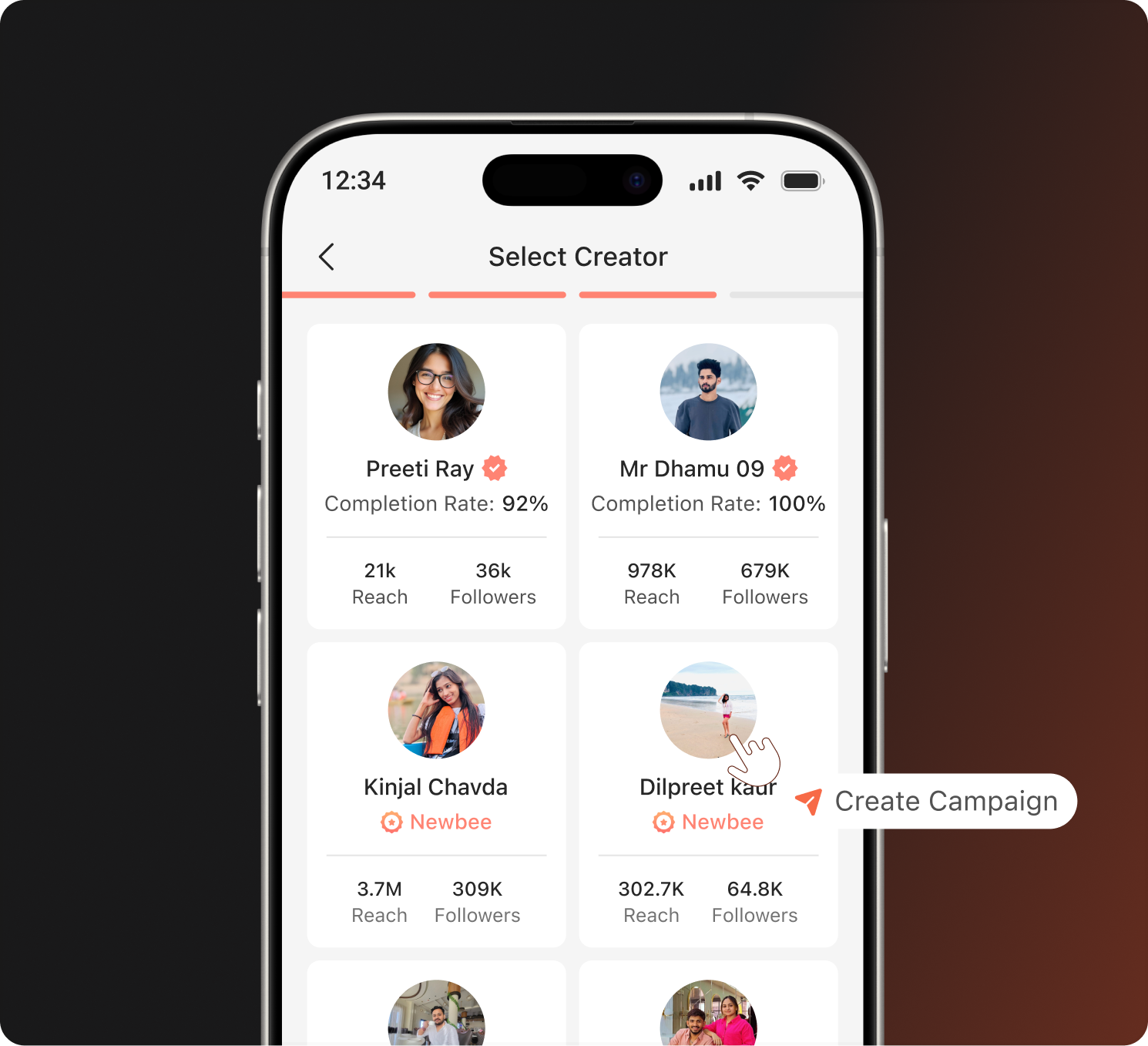
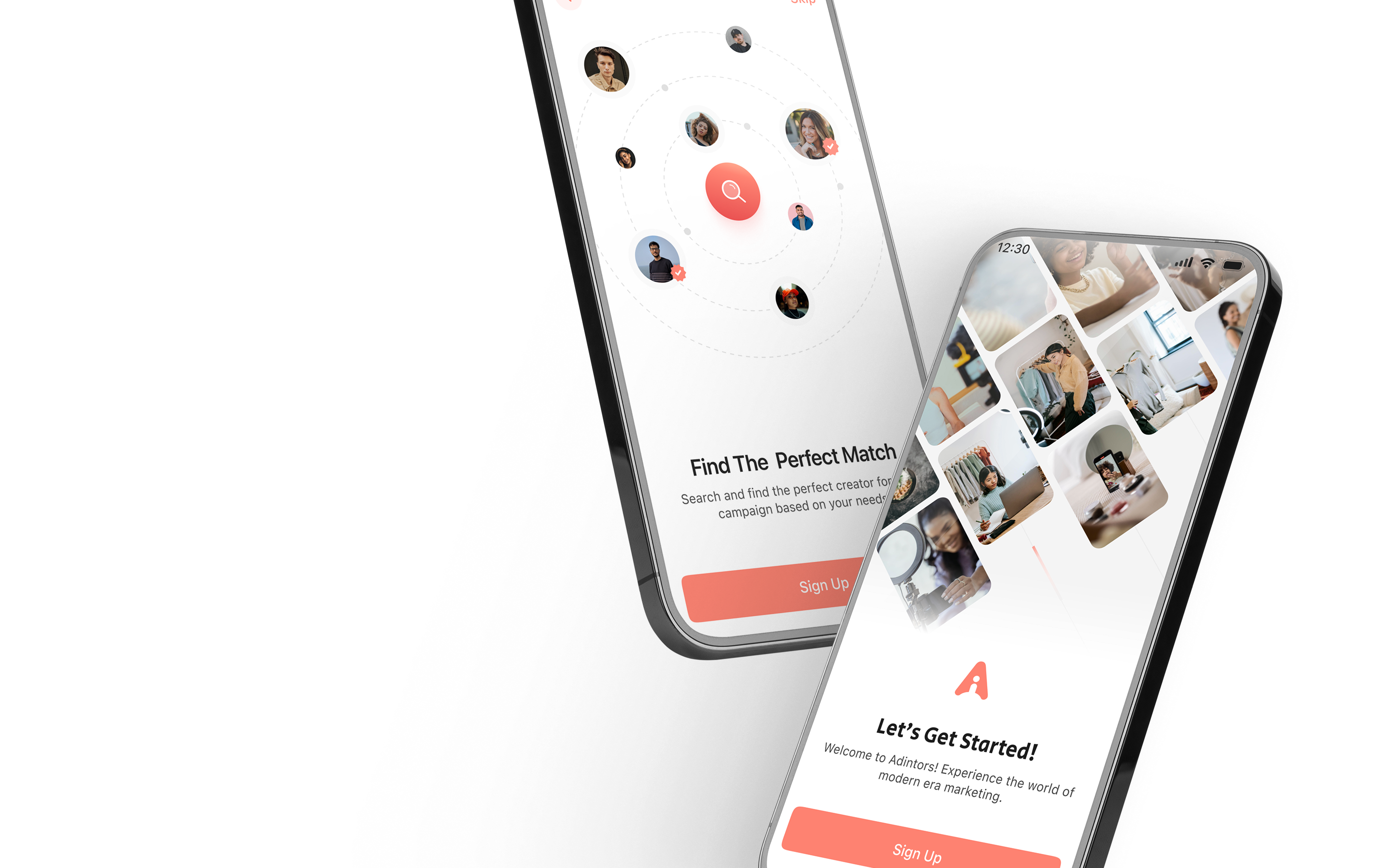
After finalising your campaign, take the time to explore creator profiles thoroughly. Send personalised invitations to creators who align closely with your niche, target audience and specific campaign objectives.
Use Filter to find and focus your outreach on creators most likely to match your goals and deliver meaningful results for your campaign.
View campaigns by phases and quickly find what's active, pending or completed.
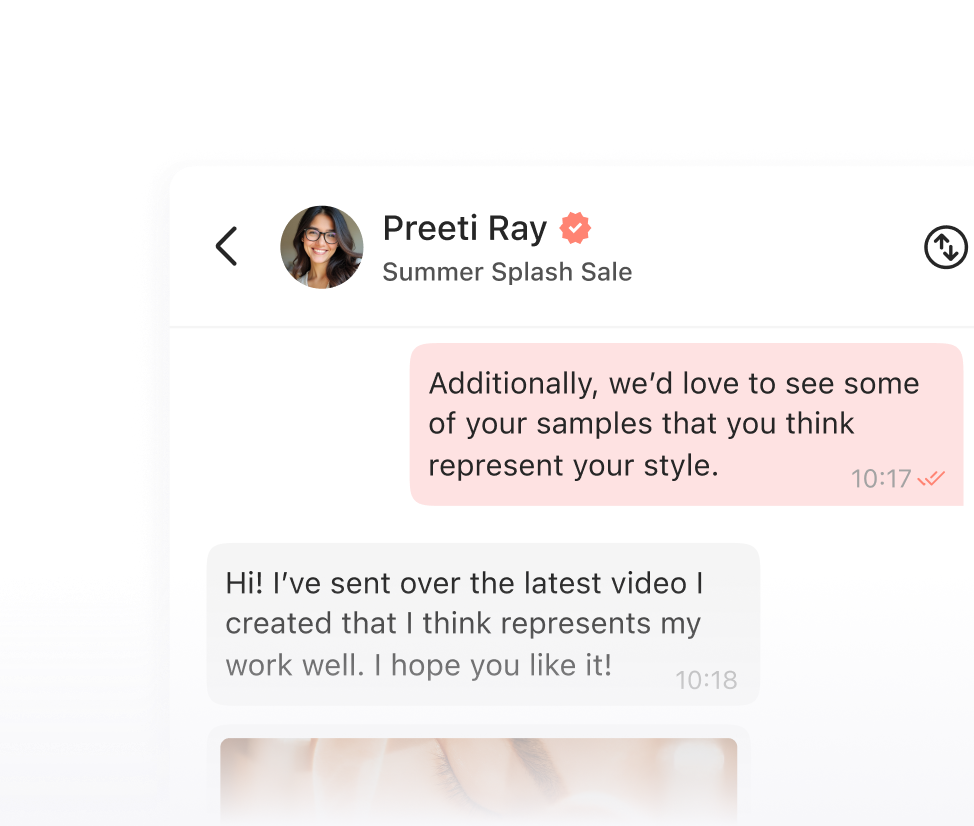
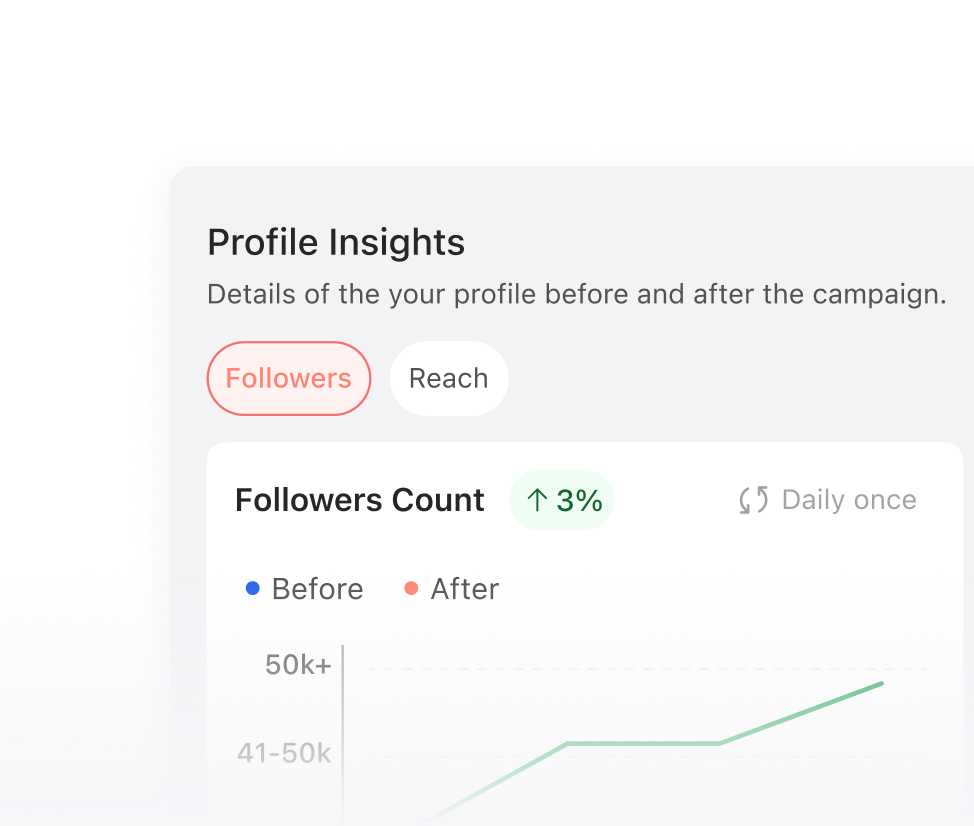
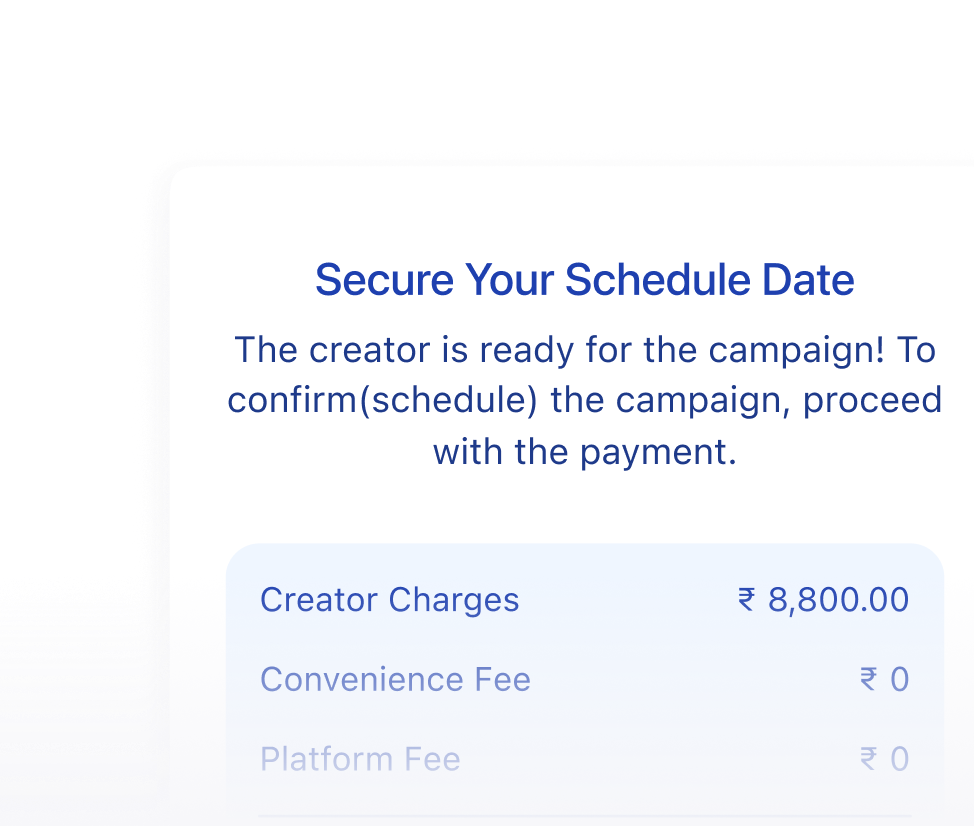
Stay on top of every collaboration milestone and know where each campaign stands.
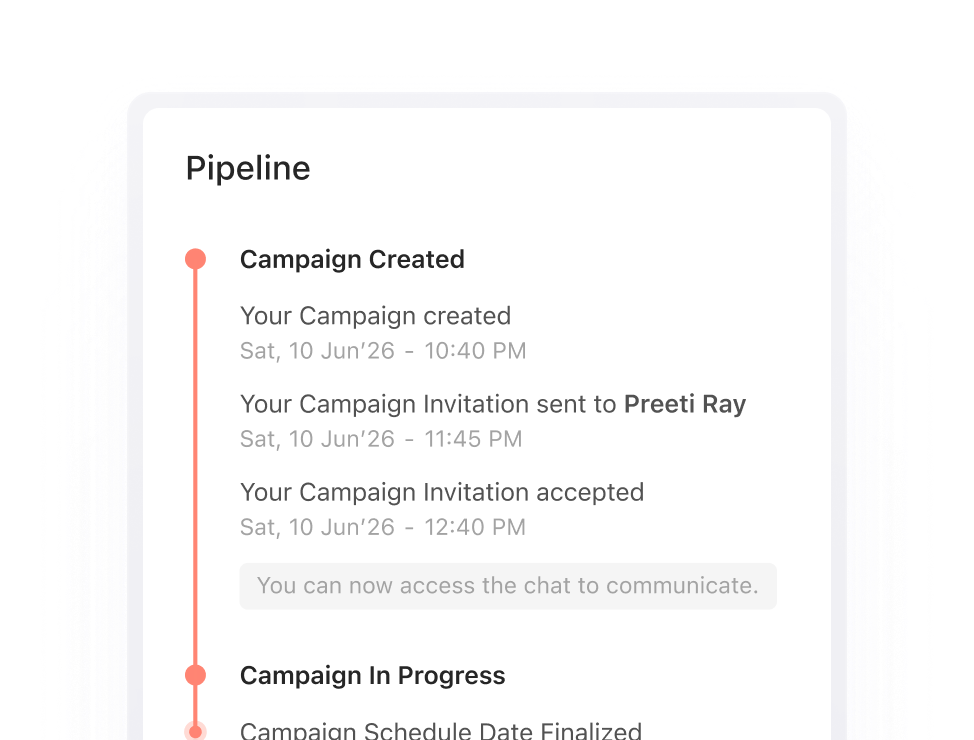
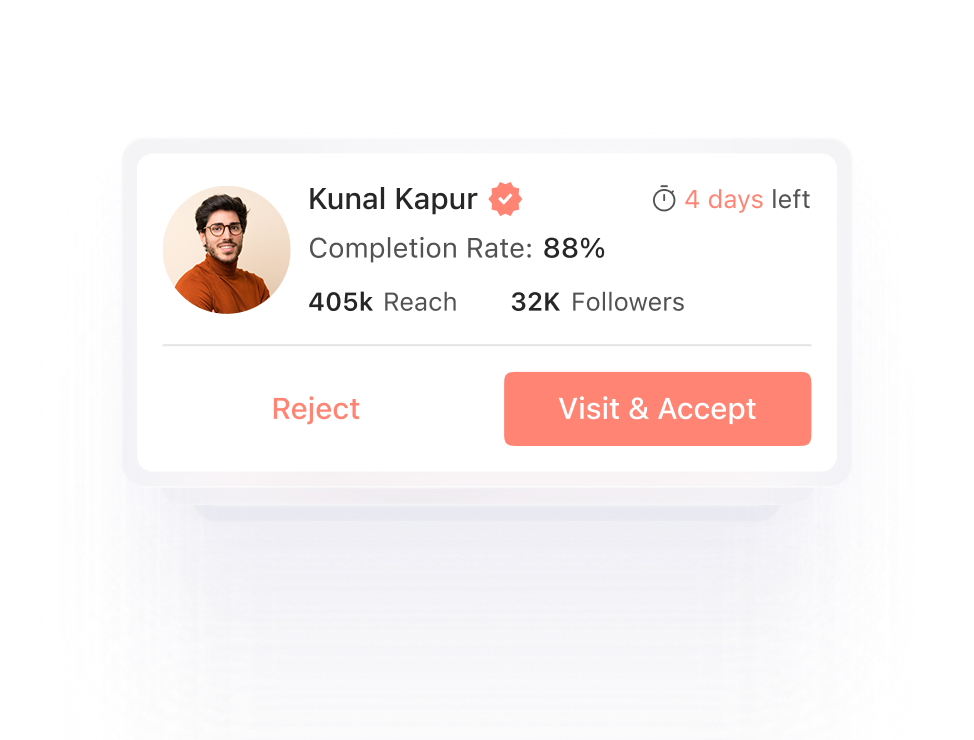
Receive collaboration requests from creators who have expressed interest in your brand.
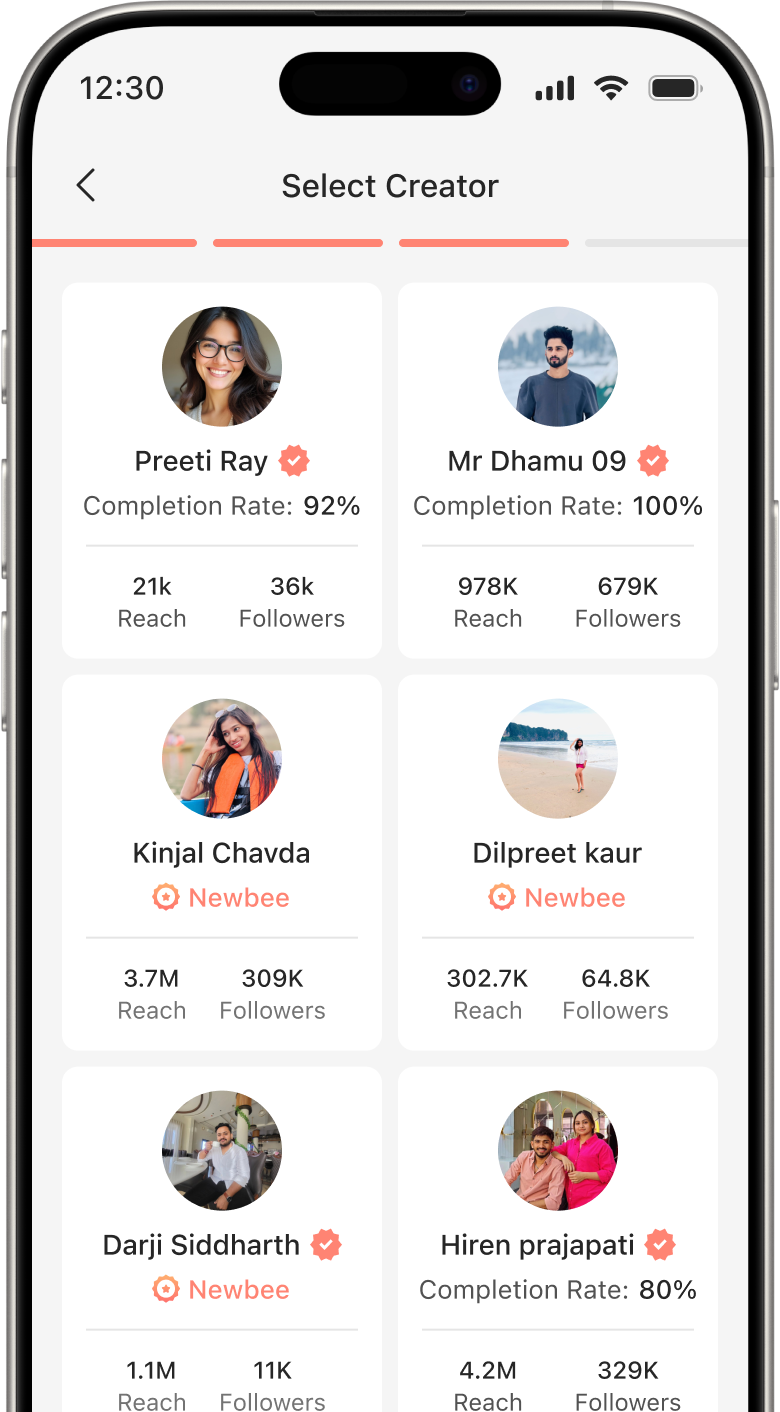
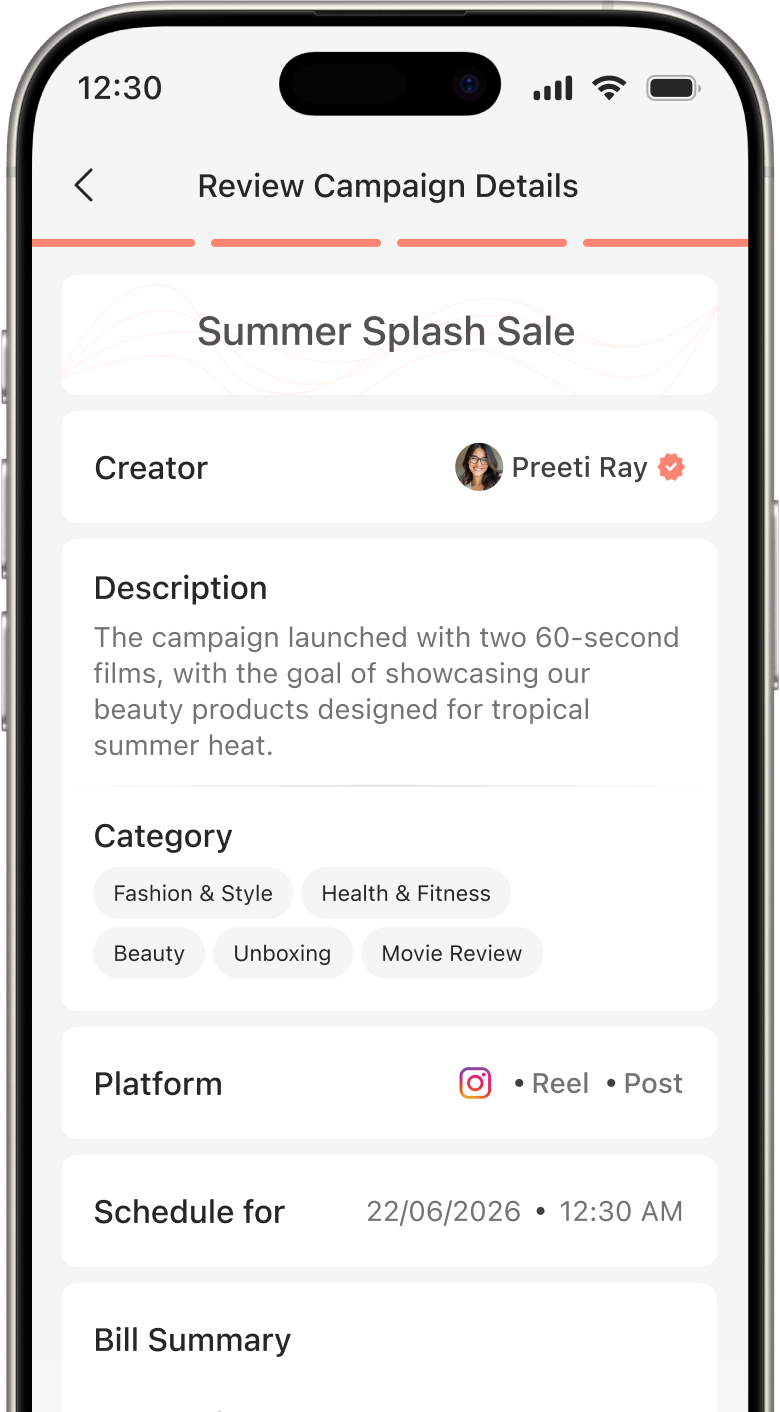
From defining campaign requirements to selecting creators and launching collaborations, every step is designed to manage campaigns with clarity and confidence.
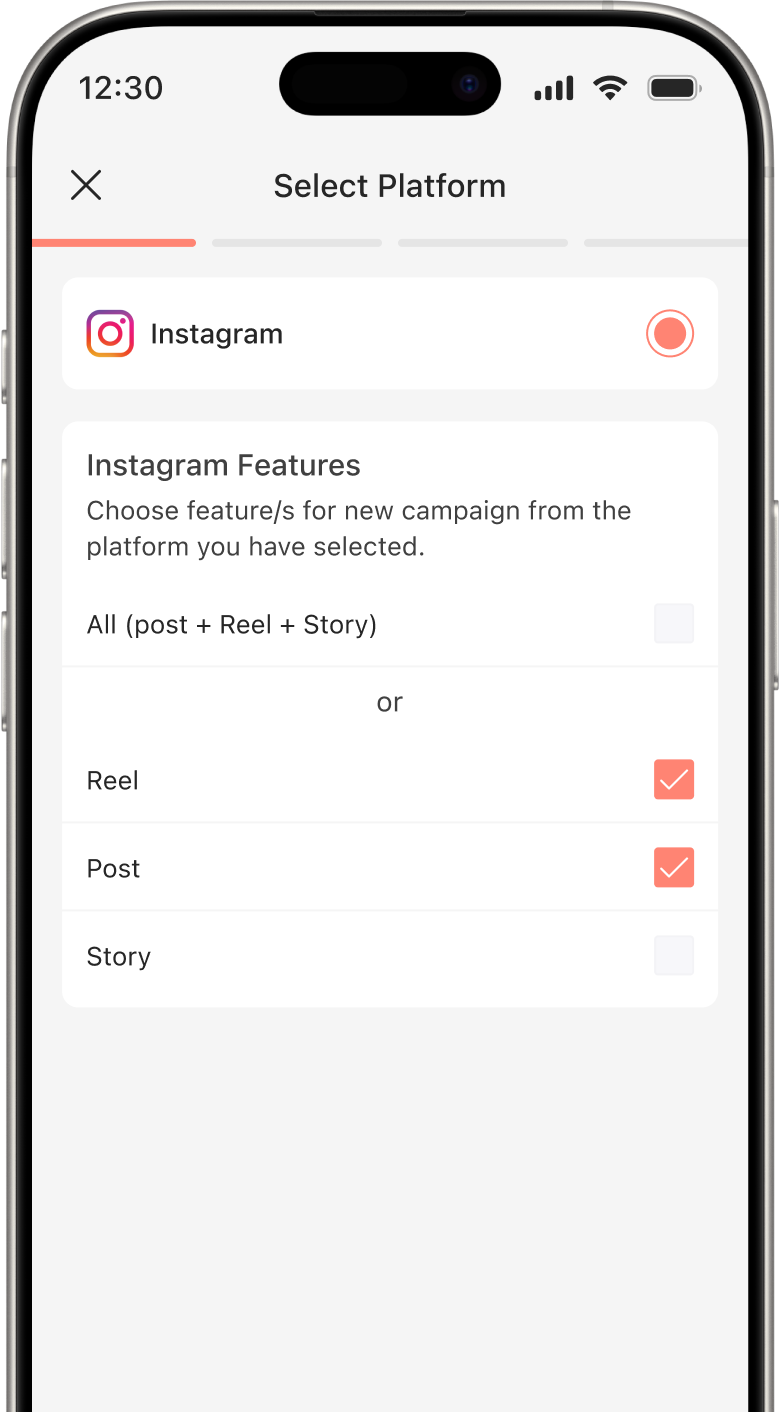
Select the features from reel, post or story you want to create campaign for.
Follow these steps to create and launch your campaign:
Yes, definitely! You can browse creator profiles and send campaign invites to creators who best match your campaign goals.
Yes, you can use Filter to narrow your search and find creators who best fit your campaign requirements.
Yes, simply view your campaign phase in the Campaign Phases section inside the Campaign tab. Track their status, progress and more.
Invest your time and efforts into smarter systems built for seamless collaborations.