Share Media Easily
Share photos, videos, URLs and campaign assets directly inside the chat.
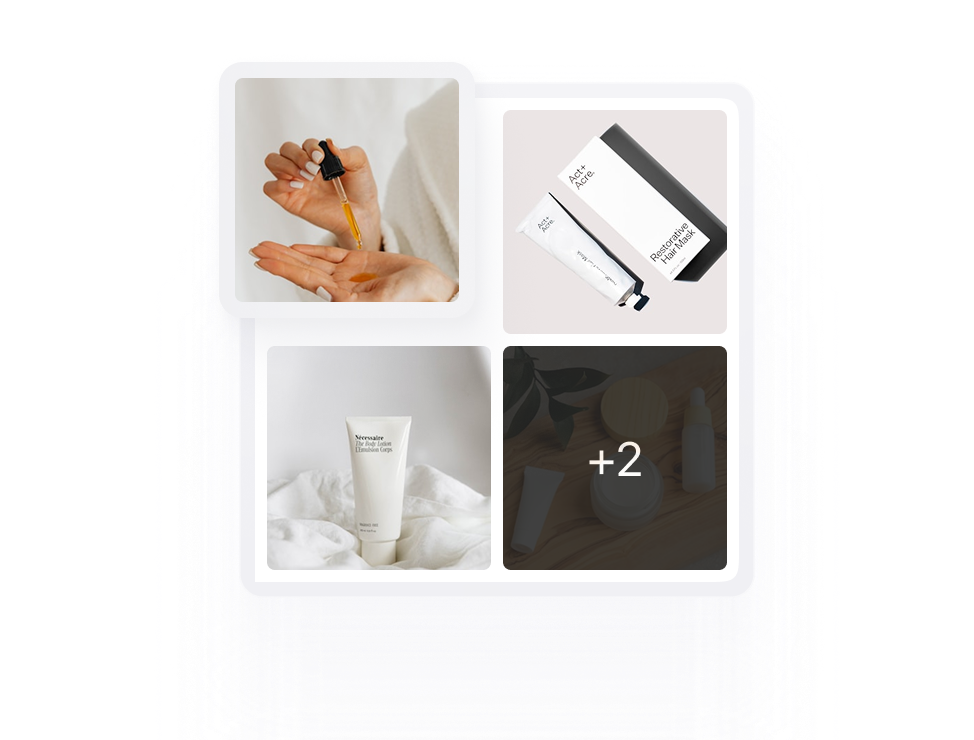
Talk directly with brands, manage campaigns and keep updates connected. No missed messages or broken context.
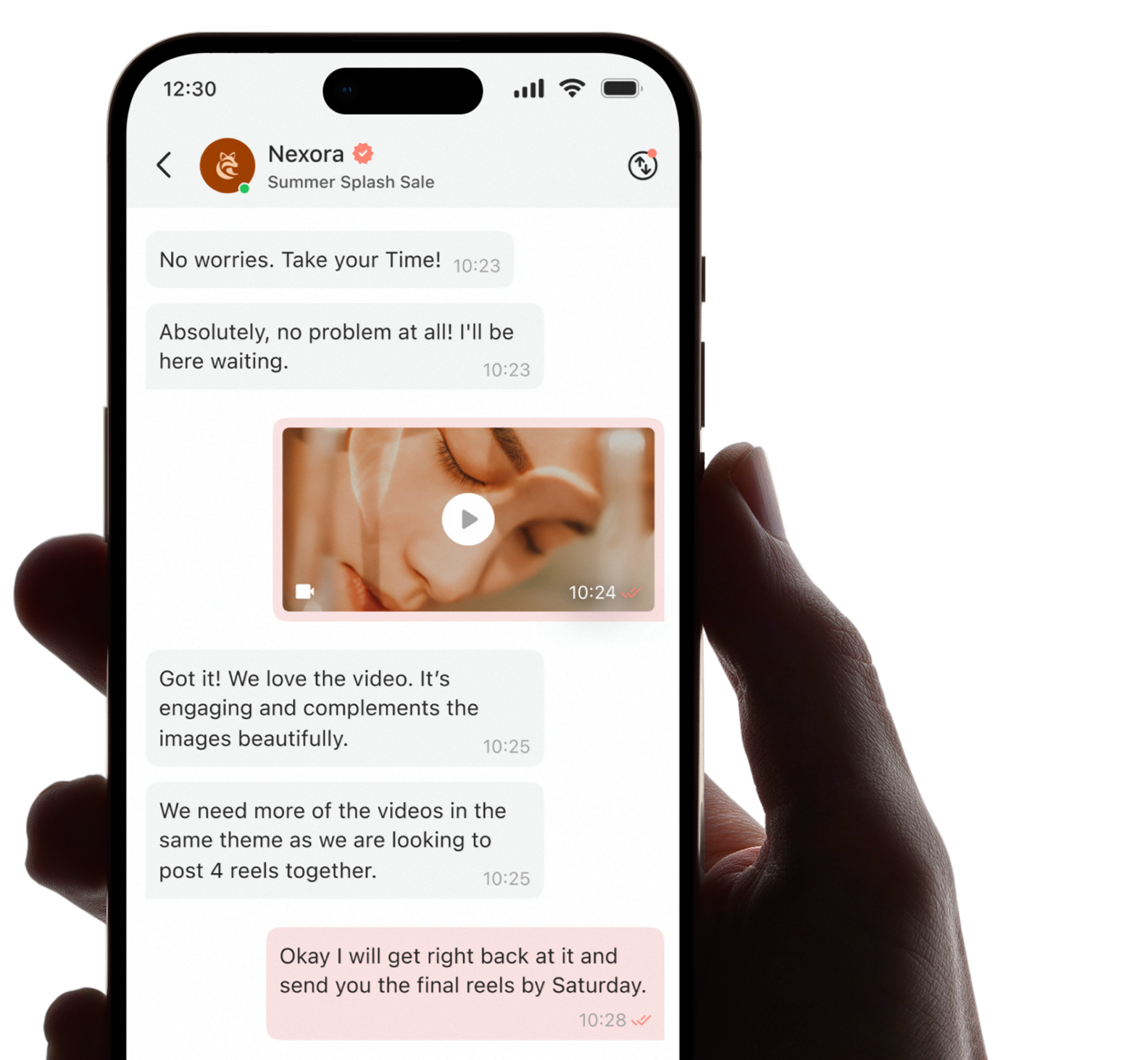
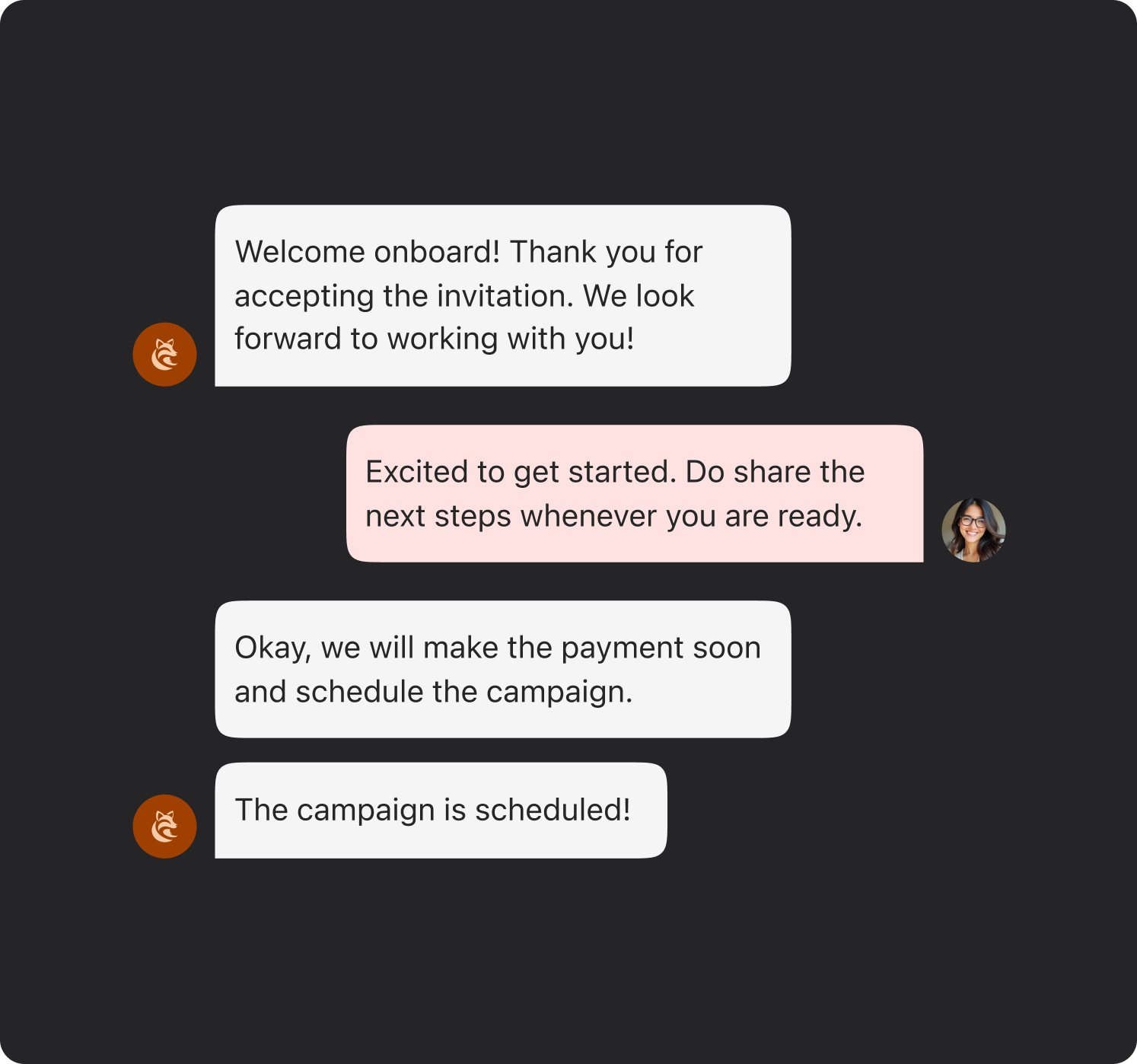
Engage in detailed discussions about campaign specifics, ask any questions you might have, confirm all deliverables and respond promptly using the integrated chat feature.
This ensures that all communication stays directly linked to the collaboration, keeping conversations organised, transparent and easy to track throughout the entire process.
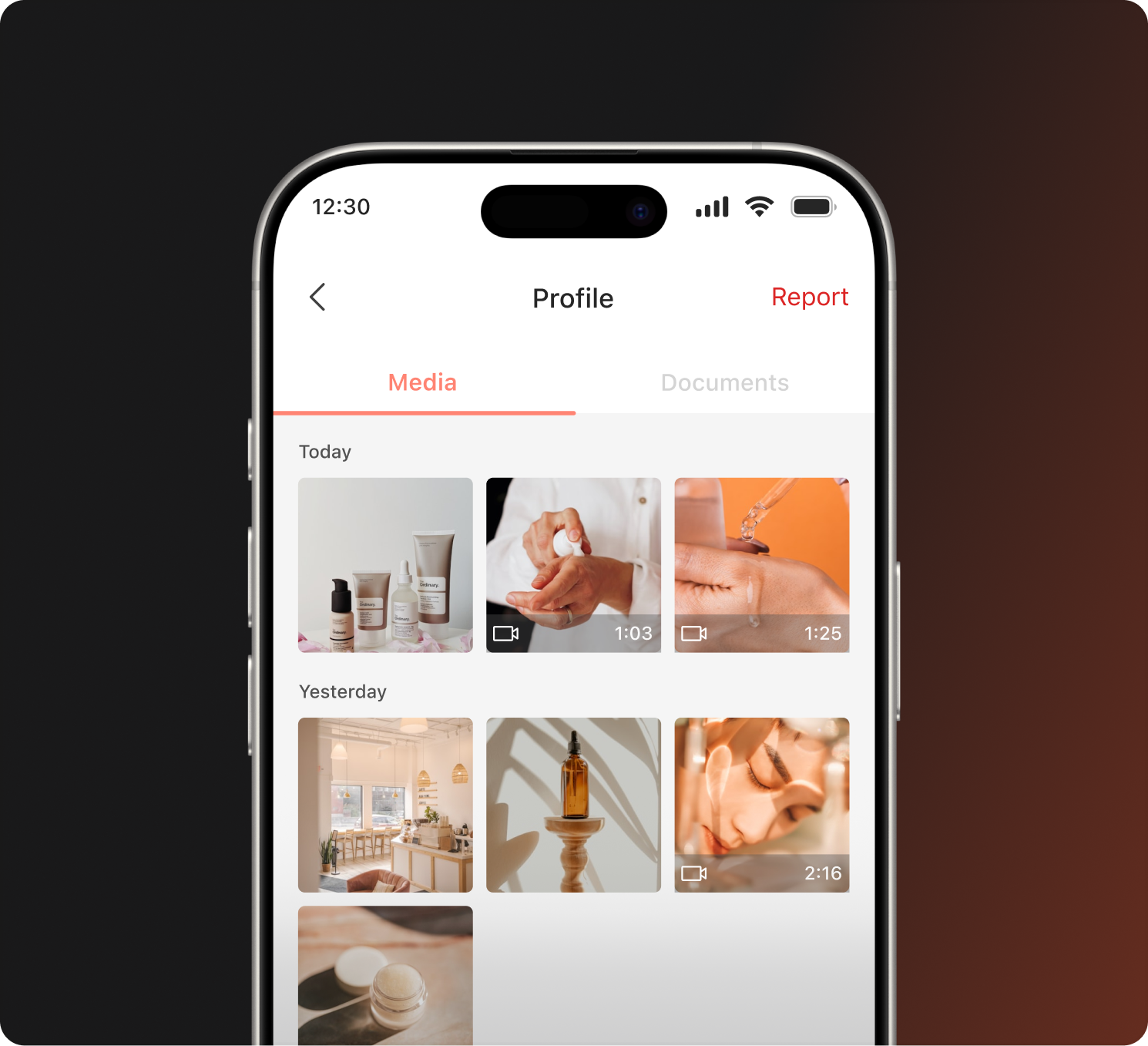
Easily access all photos, videos and links shared during your collaboration in a dedicated chat space. No more digging through old messages across different platforms.
Everything is neatly organised and readily accessible whenever you need it, making things smoother and more efficient.
Share photos, videos, URLs and campaign assets directly inside the chat.
Move across multiple brand conversations without losing track of context.
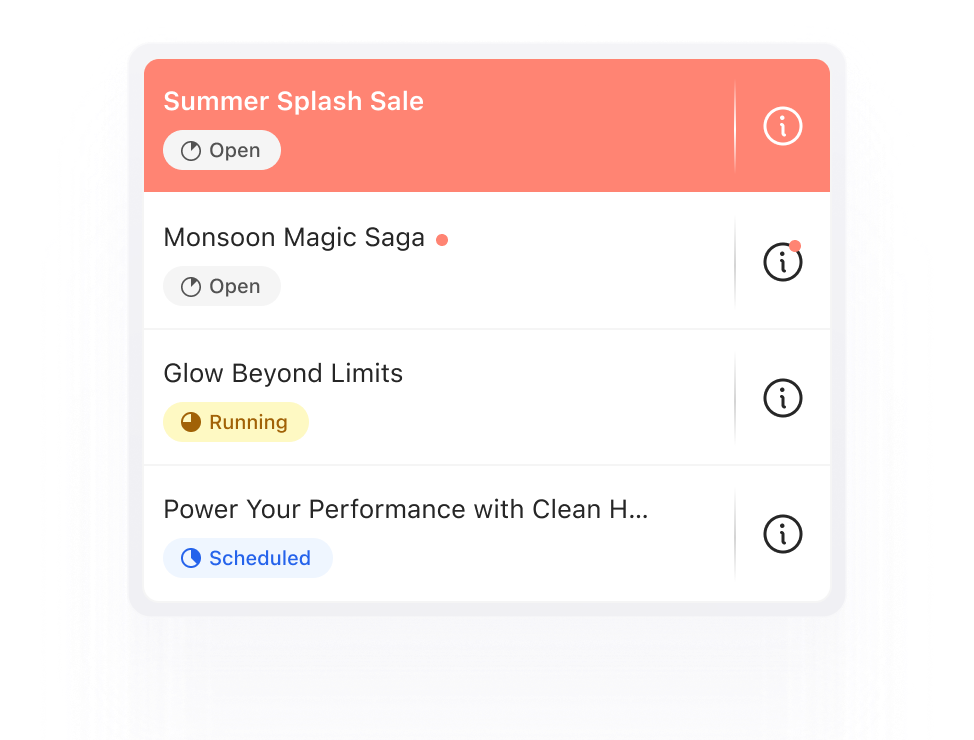
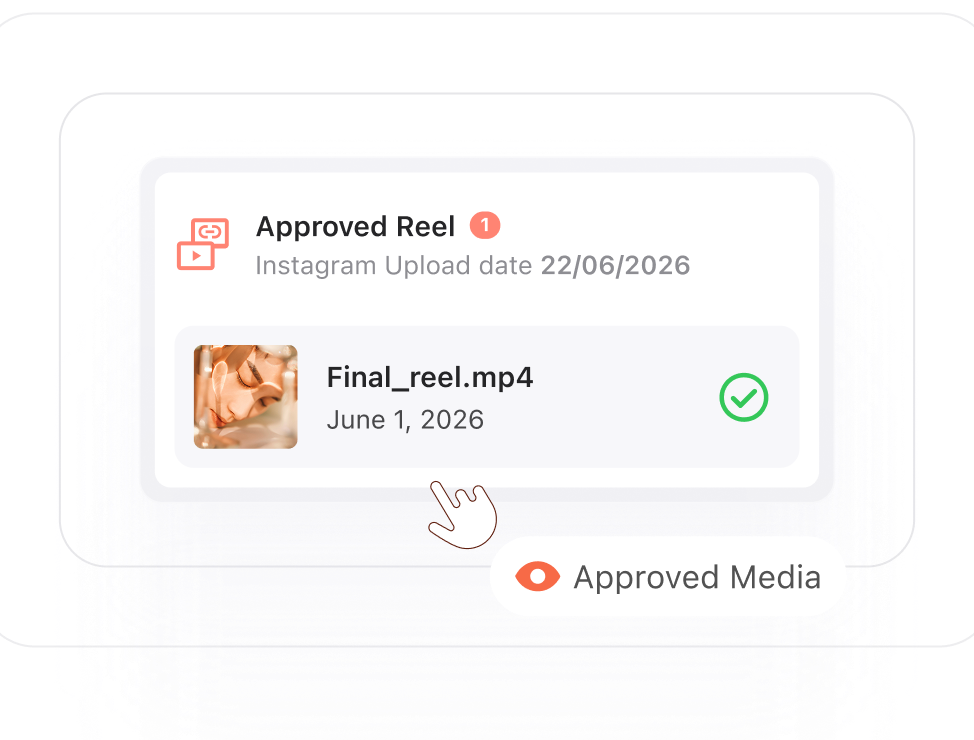
Easily access media you have shared that has been approved by the company.
Yes, you can communicate directly with brands through the integrated chat feature to discuss campaigns, deliverables and updates after accepting a campaign invite.
Open the relevant chat conversation, click on the attachment menu, select the content you want to share and send it directly to the brand.
Yes, you can keep your content protected by turning off Media Download Access before sharing it with brands.
Simply open the relevant chat conversation and visit the profile section to view all shared files, photos and videos.
Invest your time and efforts into smarter systems built for seamless collaborations.