Sort and Filter
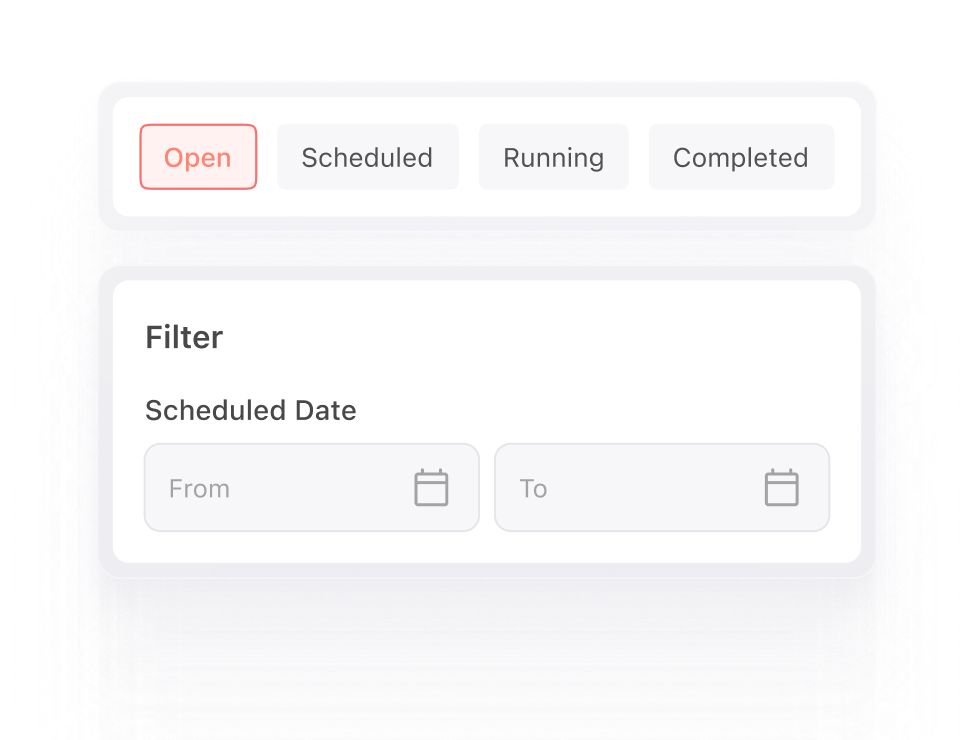
Refine campaigns by adding details to view pending actions in your orders.
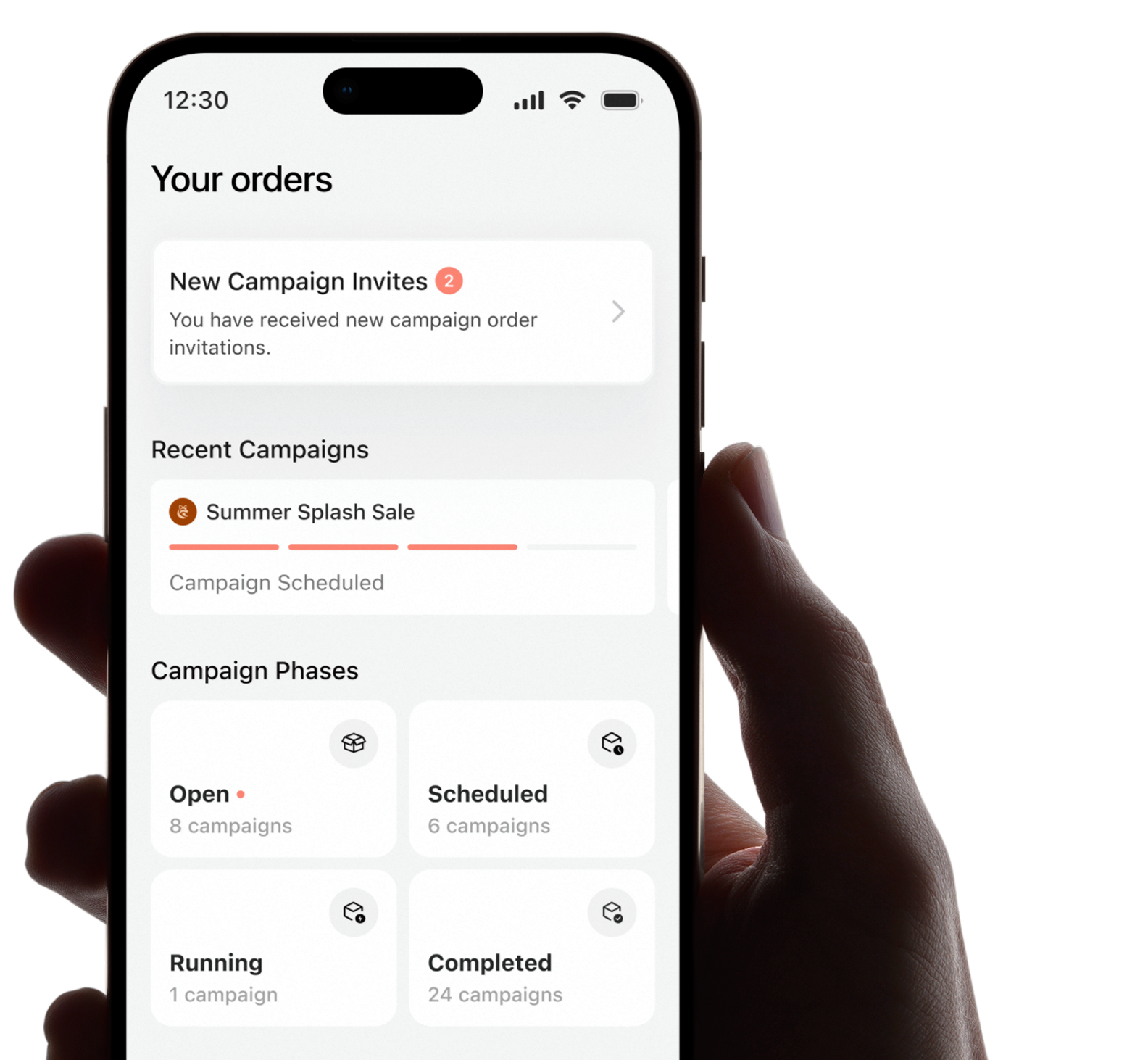
Track new invitations, monitor active campaigns and follow every order from approval to completion.
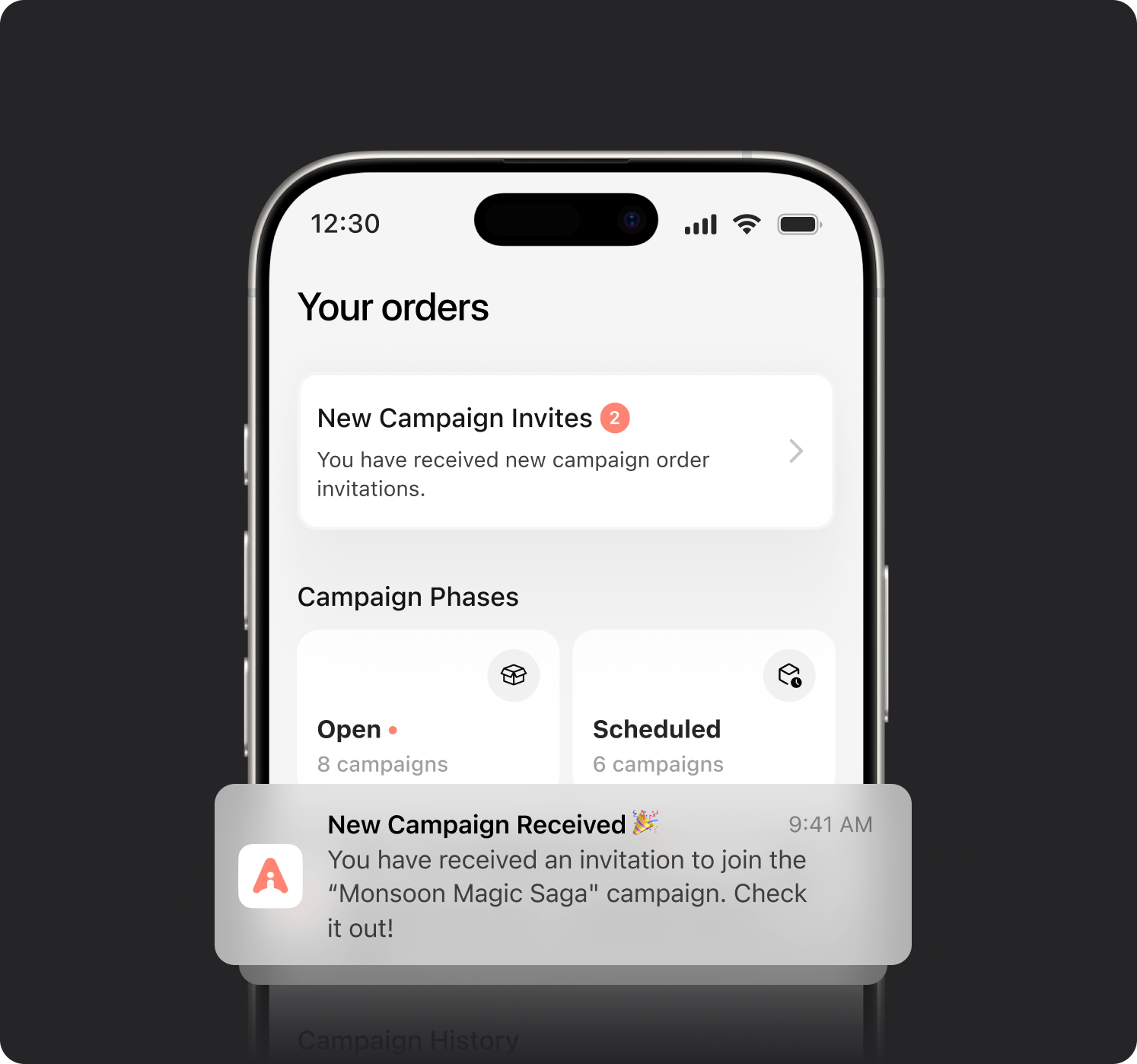
Get campaign invites from verified brands, review campaign details like deliverables, deadlines, briefs, formats and more, before making your decision and proceed confidently.
Accept the collaboration requests that align with your content, audience and goals.
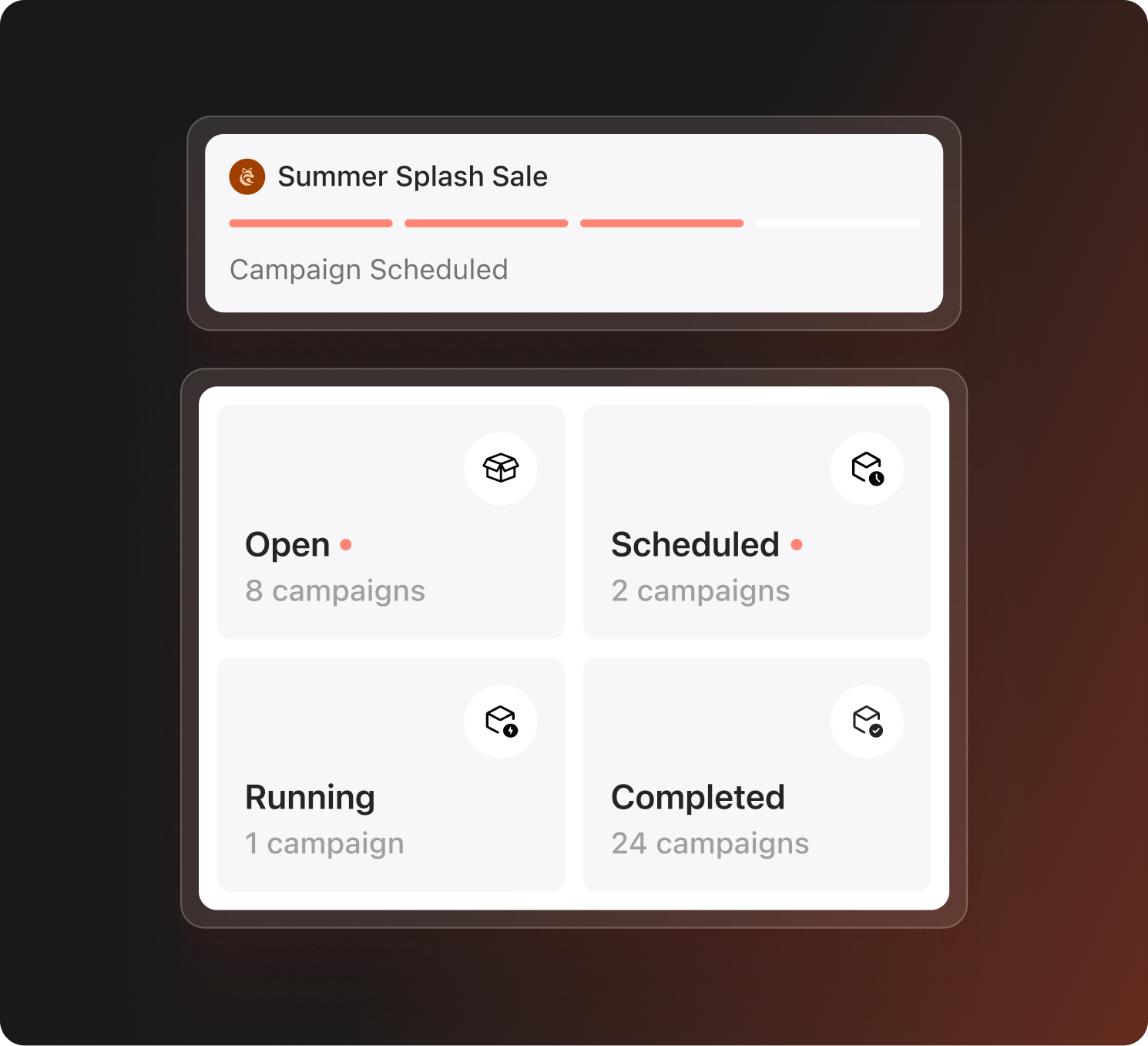
Track campaigns across every stage from Planning to Confirmed & Paid, Live on Instagram, Completed or Unsuccessful. Whether you’re waiting to begin or actively delivering content, your progress is always clear at a glance.
Stay organised without missing any important updates.
Refine campaigns by adding details to view pending actions in your orders.
Follow every order through each stage so nothing slips out of view.
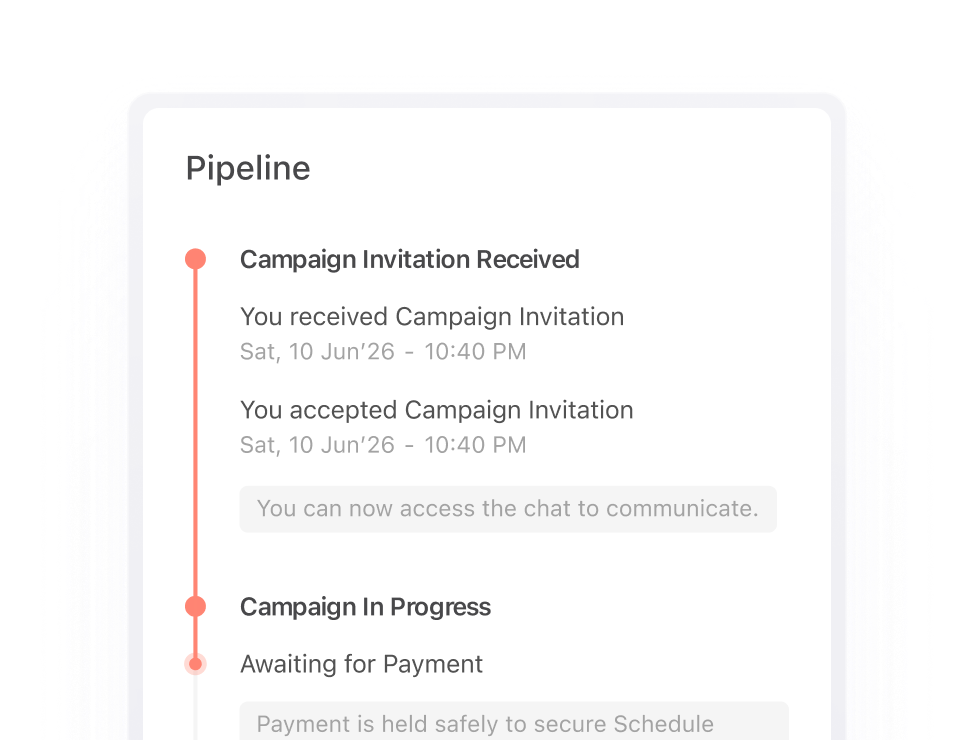
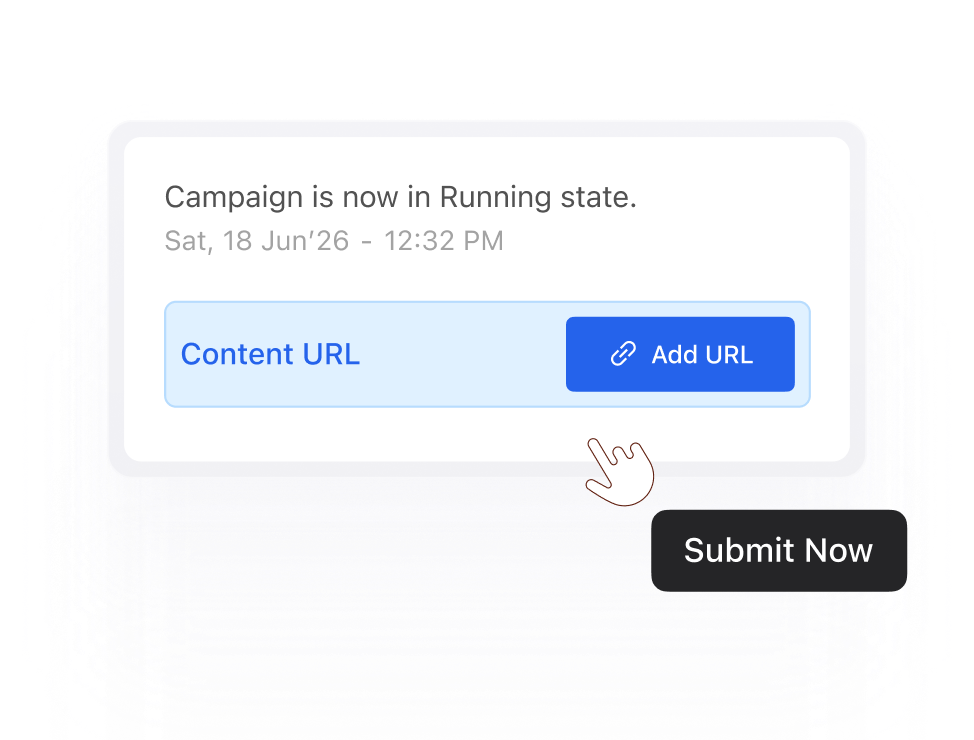
Know when to submit content, share links or complete pending steps.
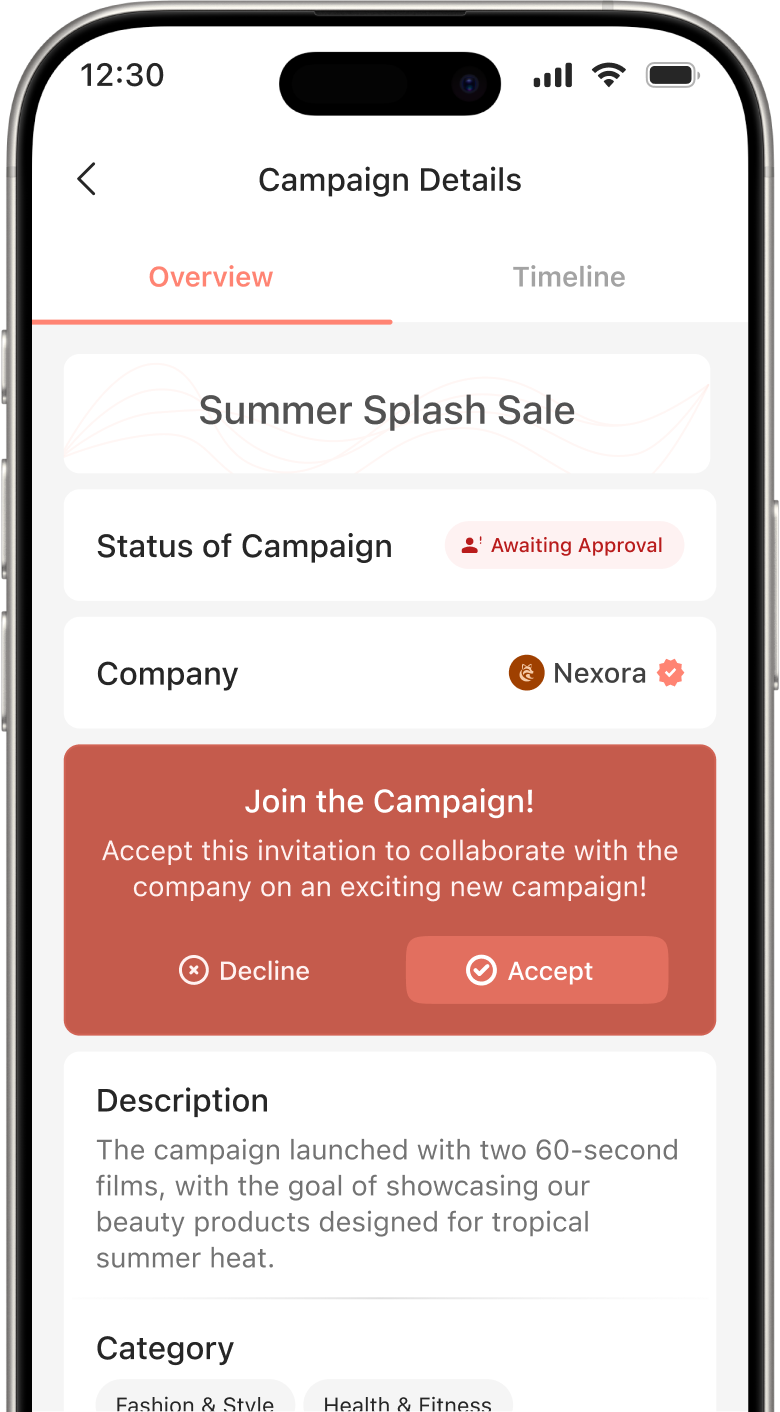
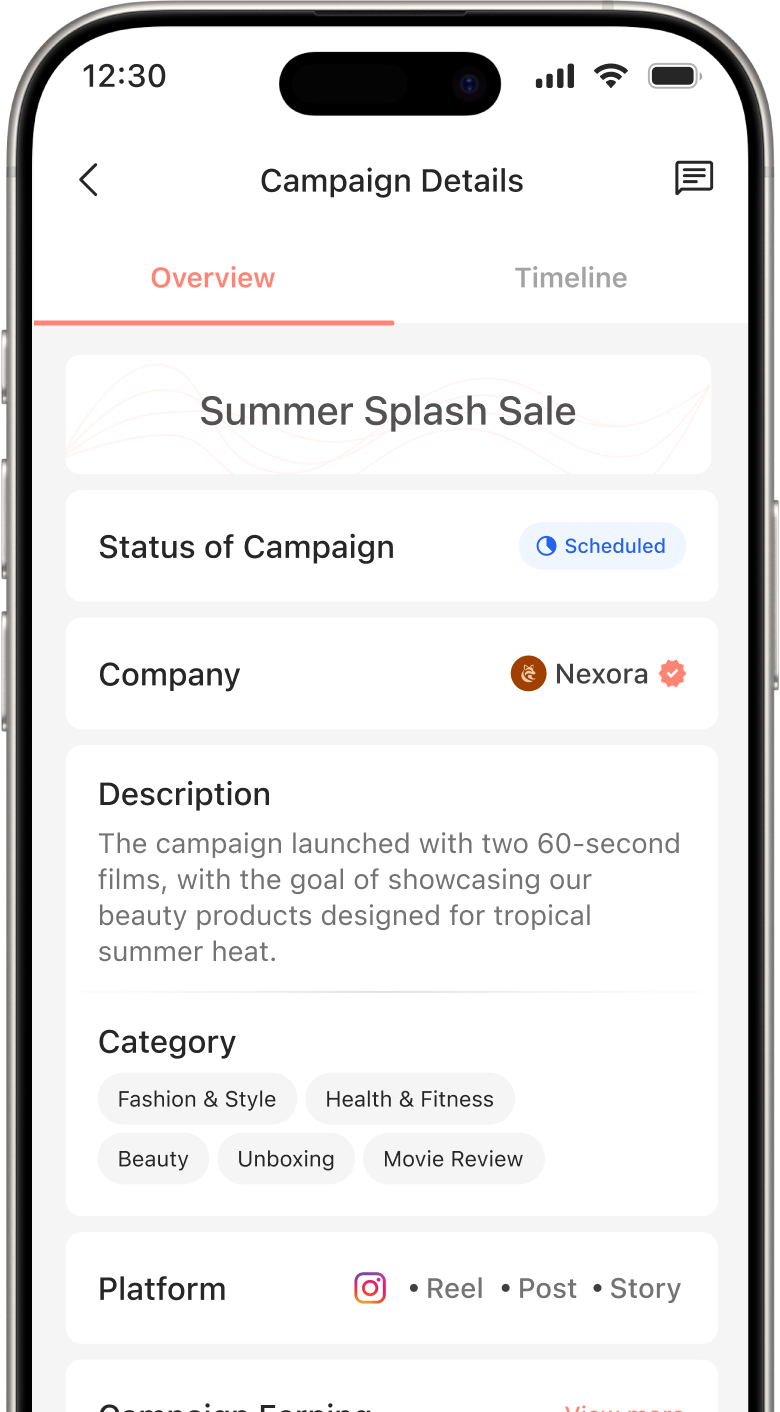
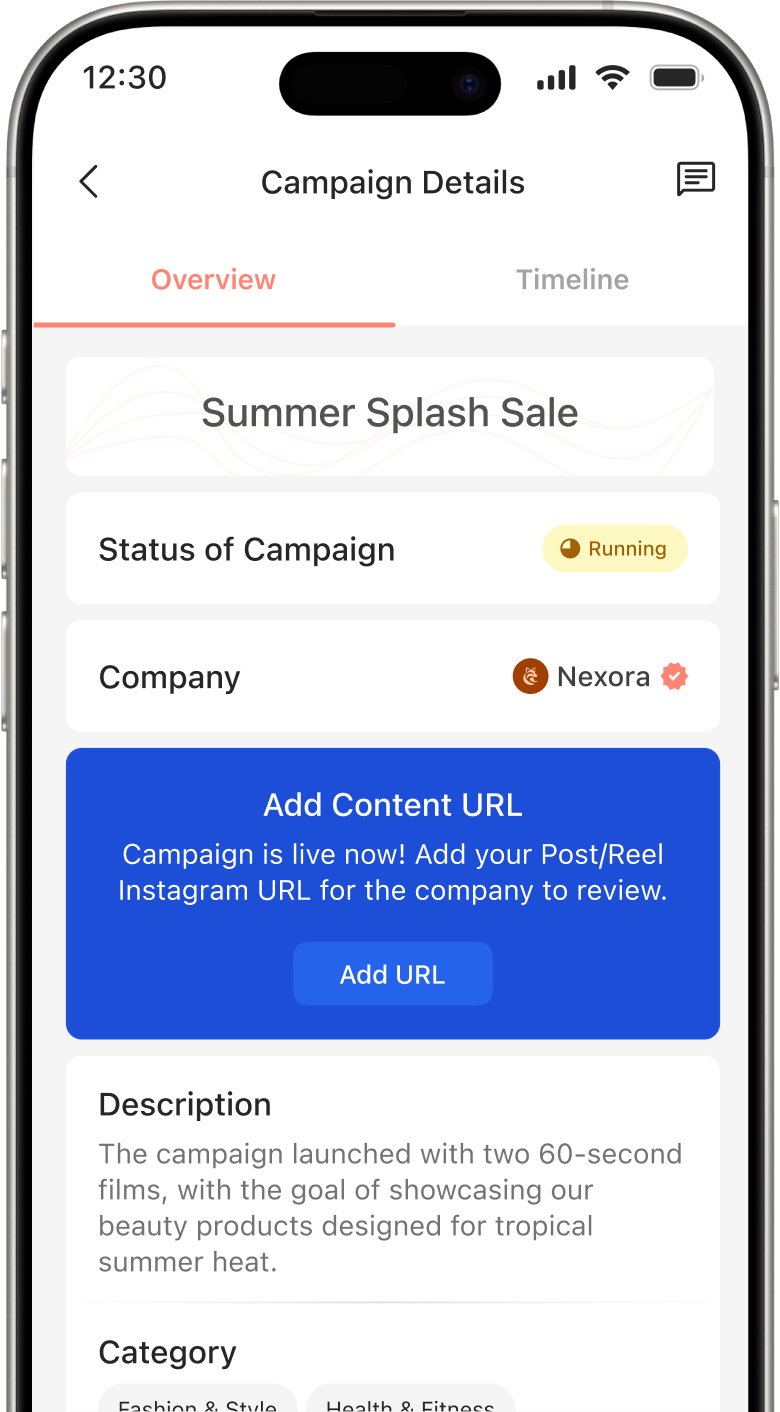
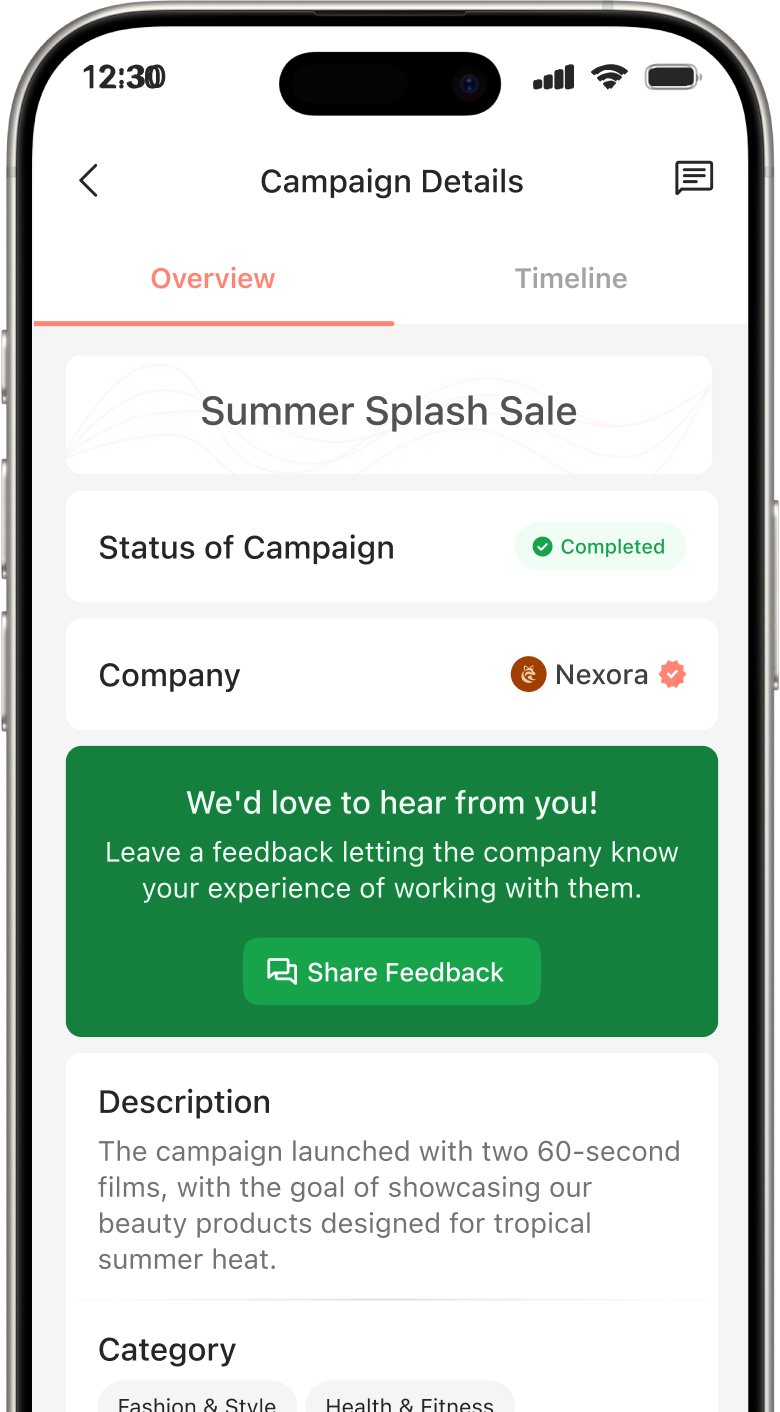
From accepting an invitation to completing a campaign, manage every step smoothly and get paid through one clear workflow.
Receive campaign invites directly from brands. Review details and accept opportunities that fit your profile.
Simply go to Your Orders and check the New Campaign Invites section to view any new collaboration opportunities.
Yes, you can track all your campaigns in the Your Orders section via Campaign Phases. Monitor progress at every stage.
Yes, absolutely. You can filter and sort your campaign based on different stages like Planning, Confirmed & Paid, Live on Instagram and more.
You can upload your content URL from the Campaign Details section while the campaign is in the Live on Instagram stage. You can also edit or update the URL anytime until the campaign remains in the Live on Instagram stage.
Go to Your Orders, view New Campaign Invites, review details and accept an invitation once reviewed.
Invest your time and efforts into smarter systems built for seamless collaborations.