Track Payment Cycles
Know when completed campaign earnings are scheduled and released.
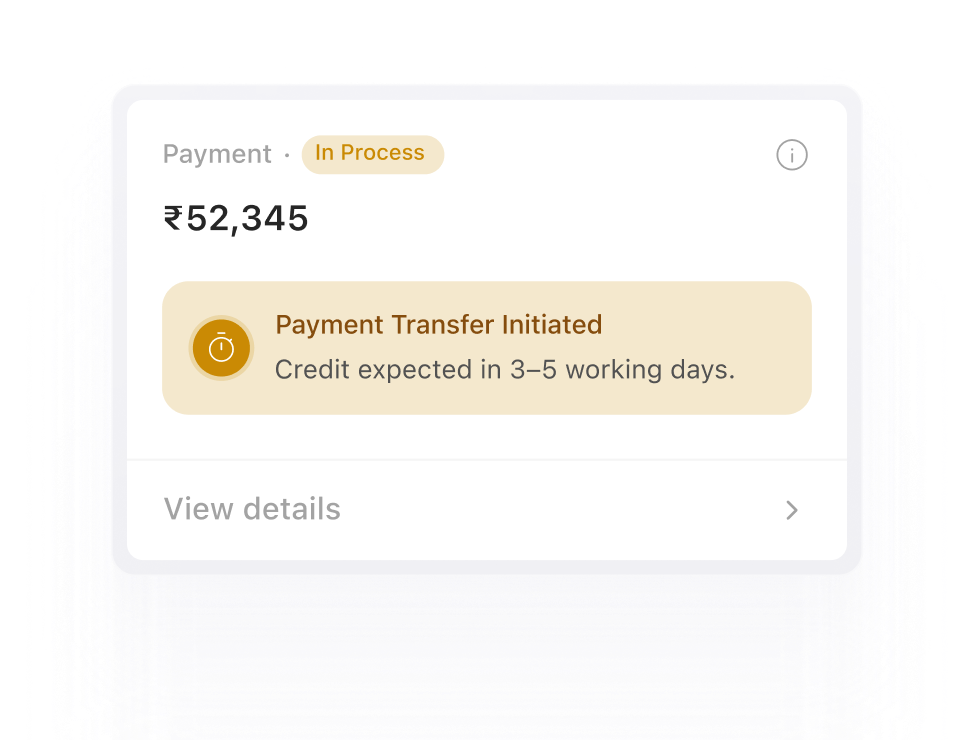
Track your earnings, monitor payment status and receive payouts through a clear and reliable payment cycle.
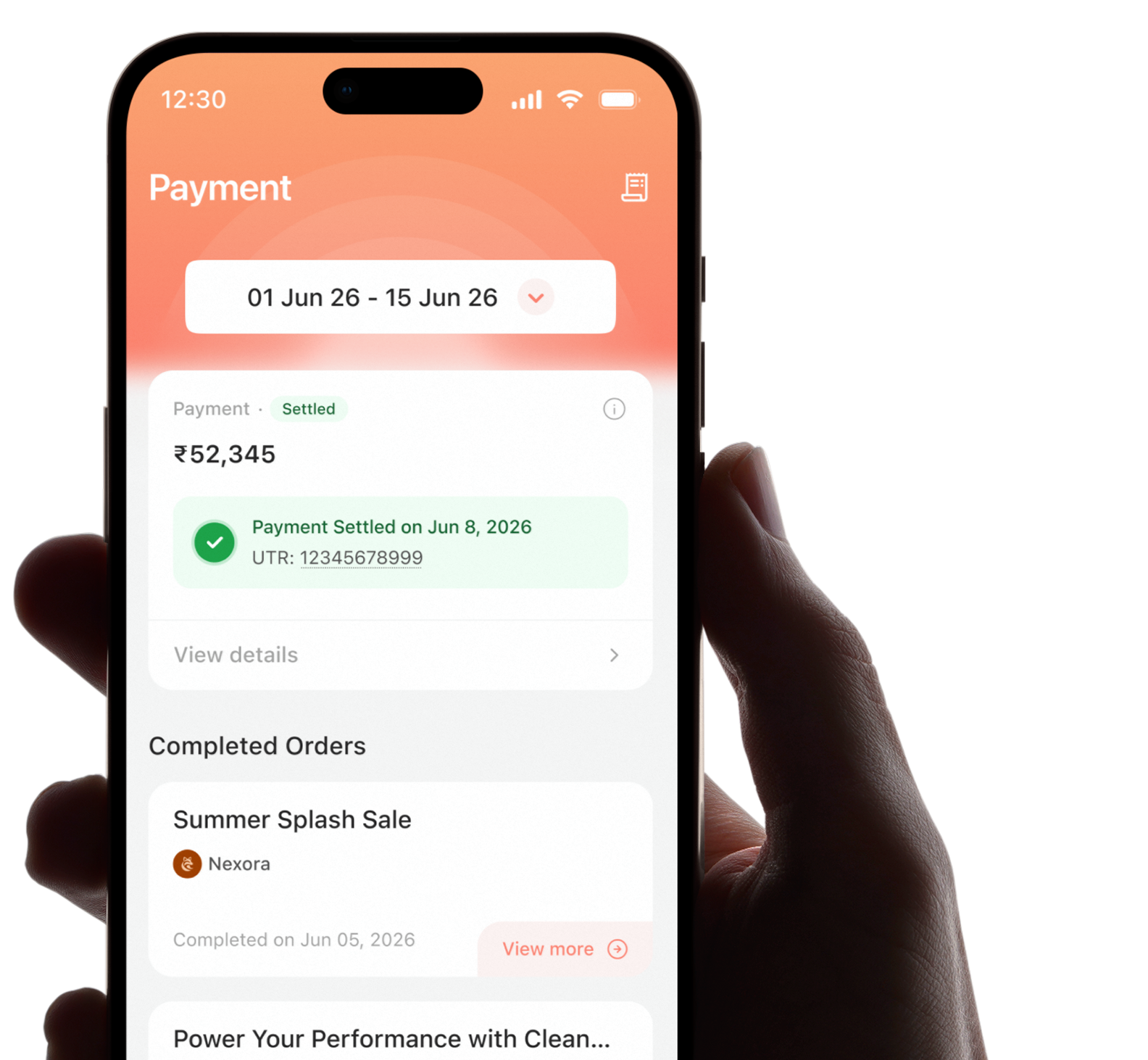
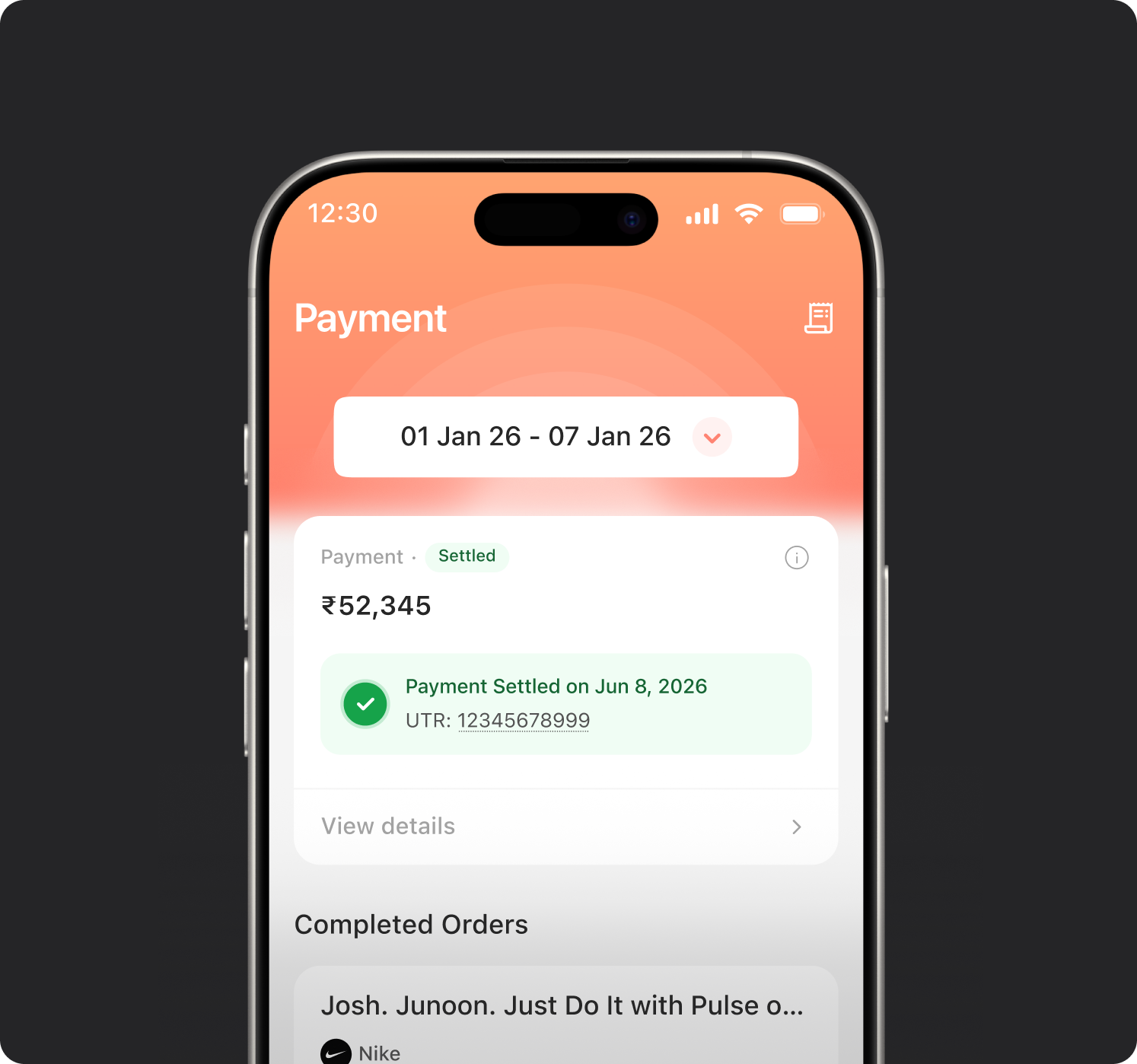
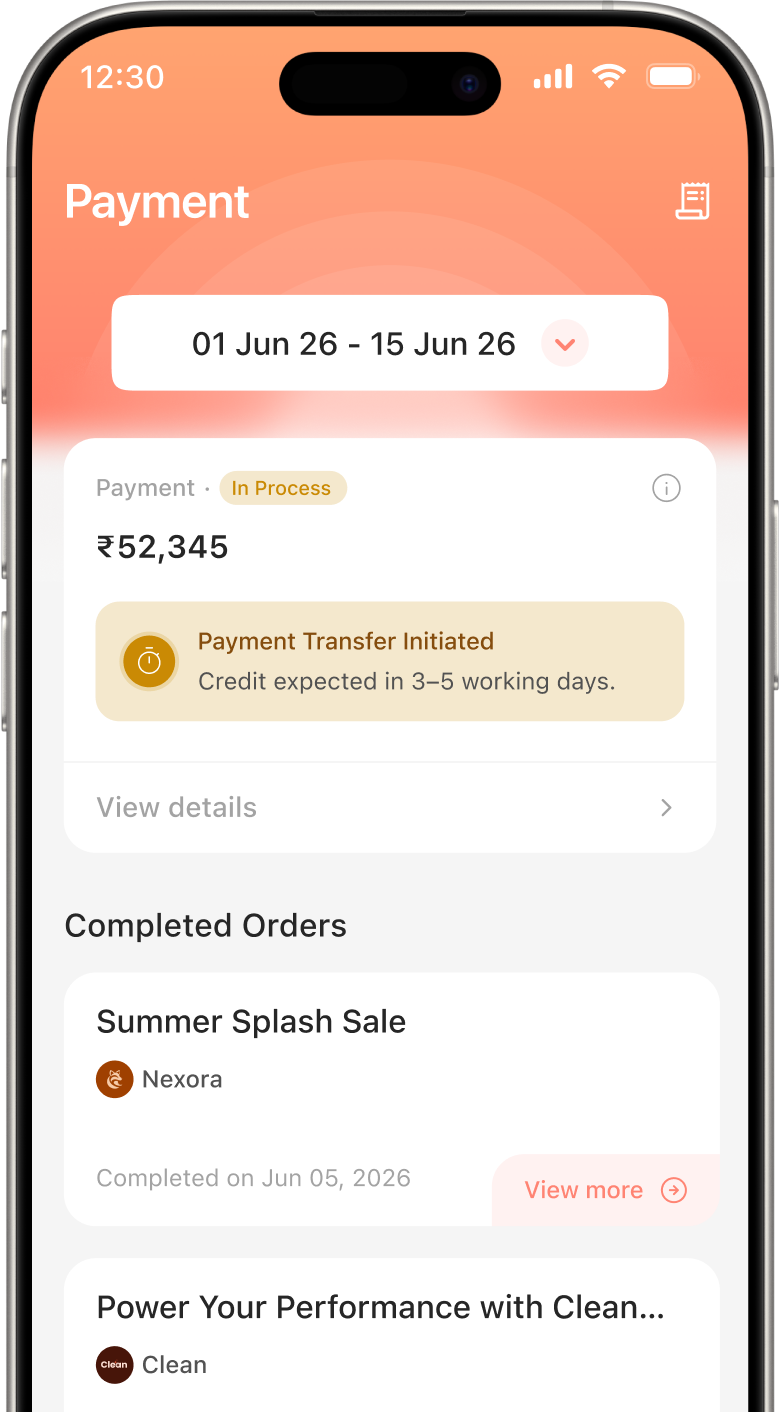
Easily monitor all your pending payouts, completed transactions and upcoming releases to stay fully informed and avoid any confusion.
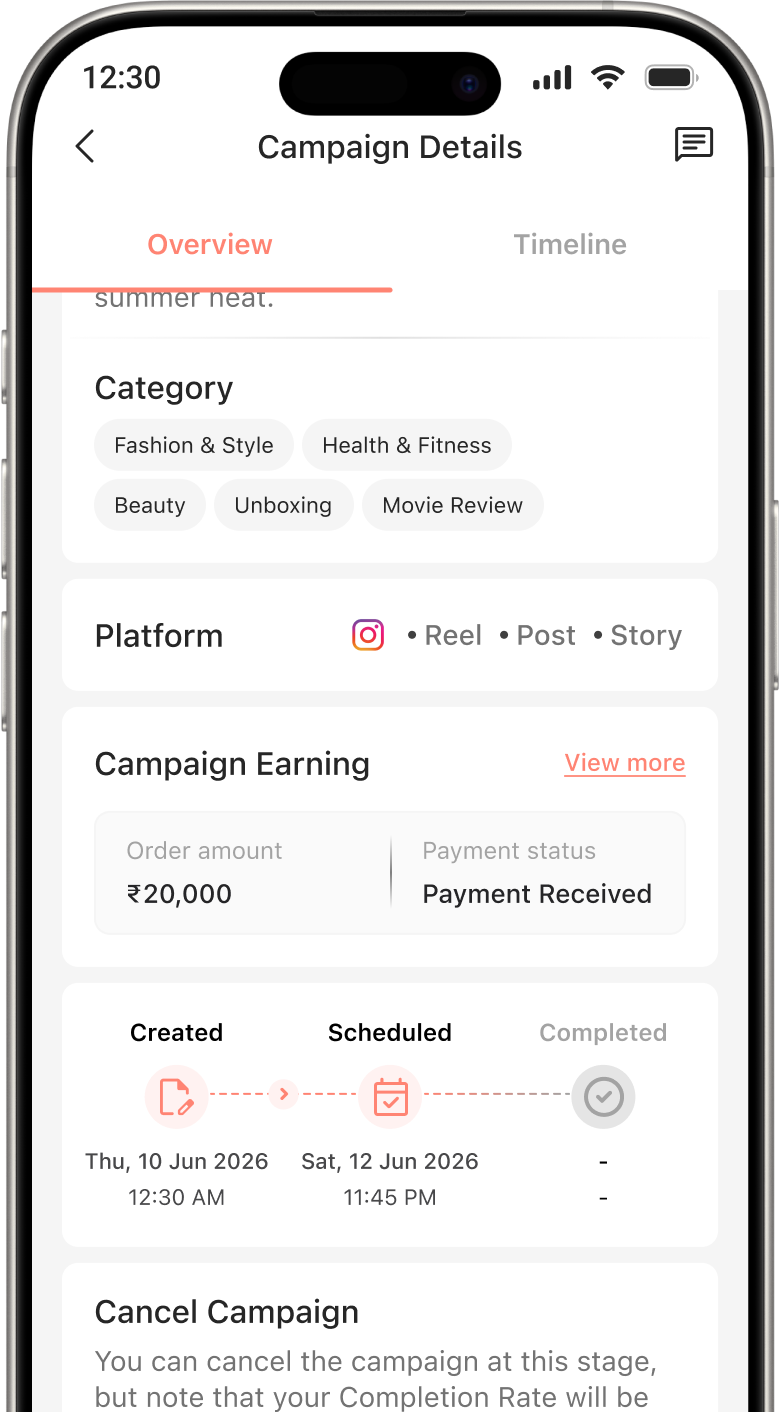
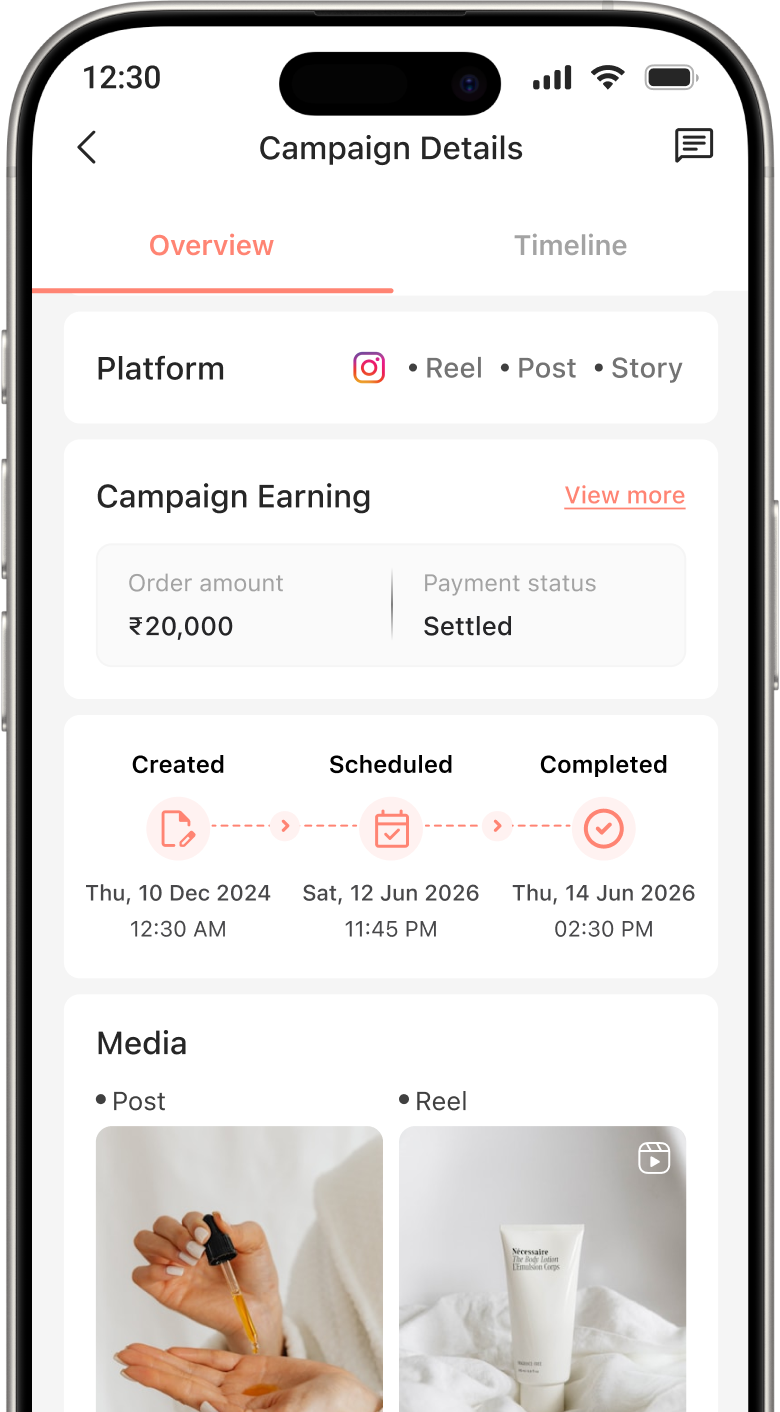
Get a clear and detailed view of the status of every campaign payment at any time, ensuring you always know exactly where your funds stand throughout the process.
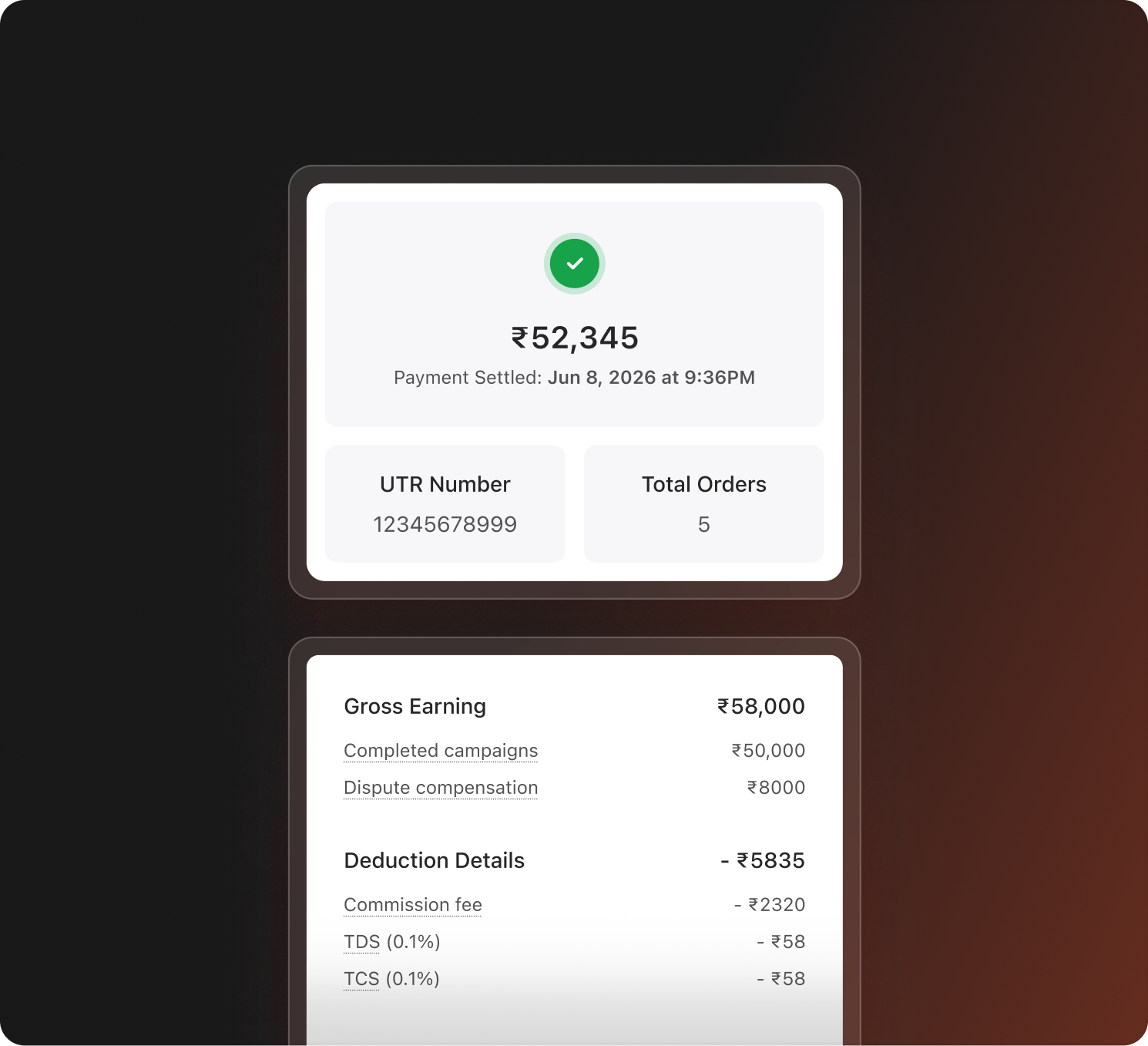
Examine comprehensive earnings reports for every completed campaign, detailing the agreed payment, platform fees, any deductions applied and the final payout amount.
You can download invoices at any time to maintain organised and accurate records of all your collaborations.
Know when completed campaign earnings are scheduled and released.
Access downloadable invoices and payout records whenever you need documentation.
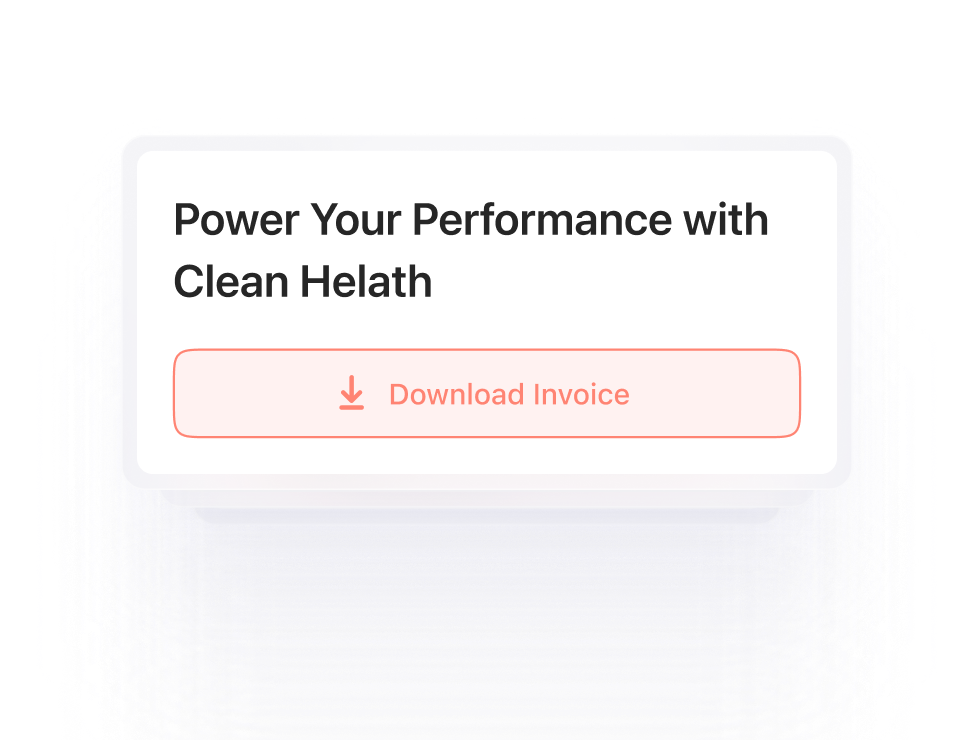
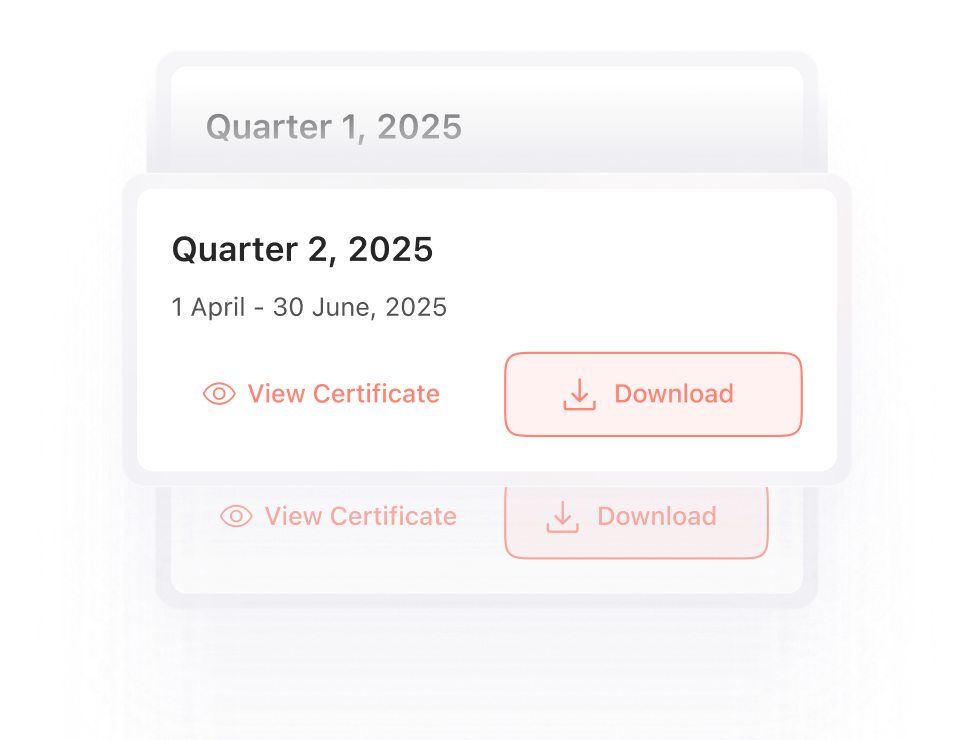
Keep a track of TDS deductions and download the required documents whenever needed.
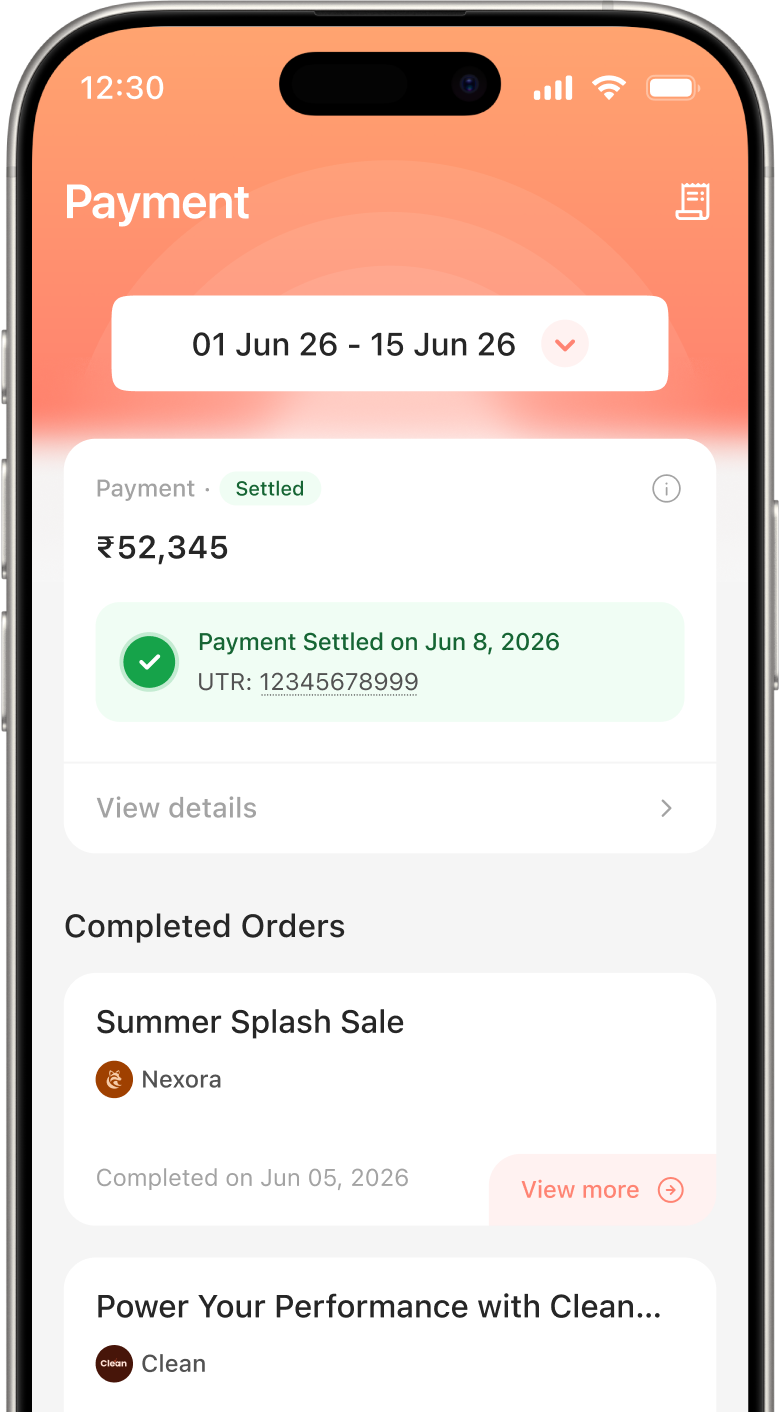
A simple process designed to release creator payments smoothly after the completion of current payment cycle.
After a creator accepts an invite, the brand funds the campaign on Adintors and the payment is held securely.
Campaign payments are released in two cycles every month. The first cycle is from 1st to 15th of any month while the second cycle is from 16th to the last day of the month. Payments are processed in the next cycle after the completion of a campaign.
You can view all your pending payments in the Payments section.
Yes, absolutely. Campaign invoices are available for download anytime whenever you need documentation.
Simply open the Payments section, select a completed campaign and go to the Order Details page. From there, you can download your invoice anytime you need it.
Invest your time and efforts into smarter systems built for seamless collaborations.